Operation
© Hirschmann Rev. E 11/12/08 190147_E
31
5.2 INFO CRANE CONFIGURATION
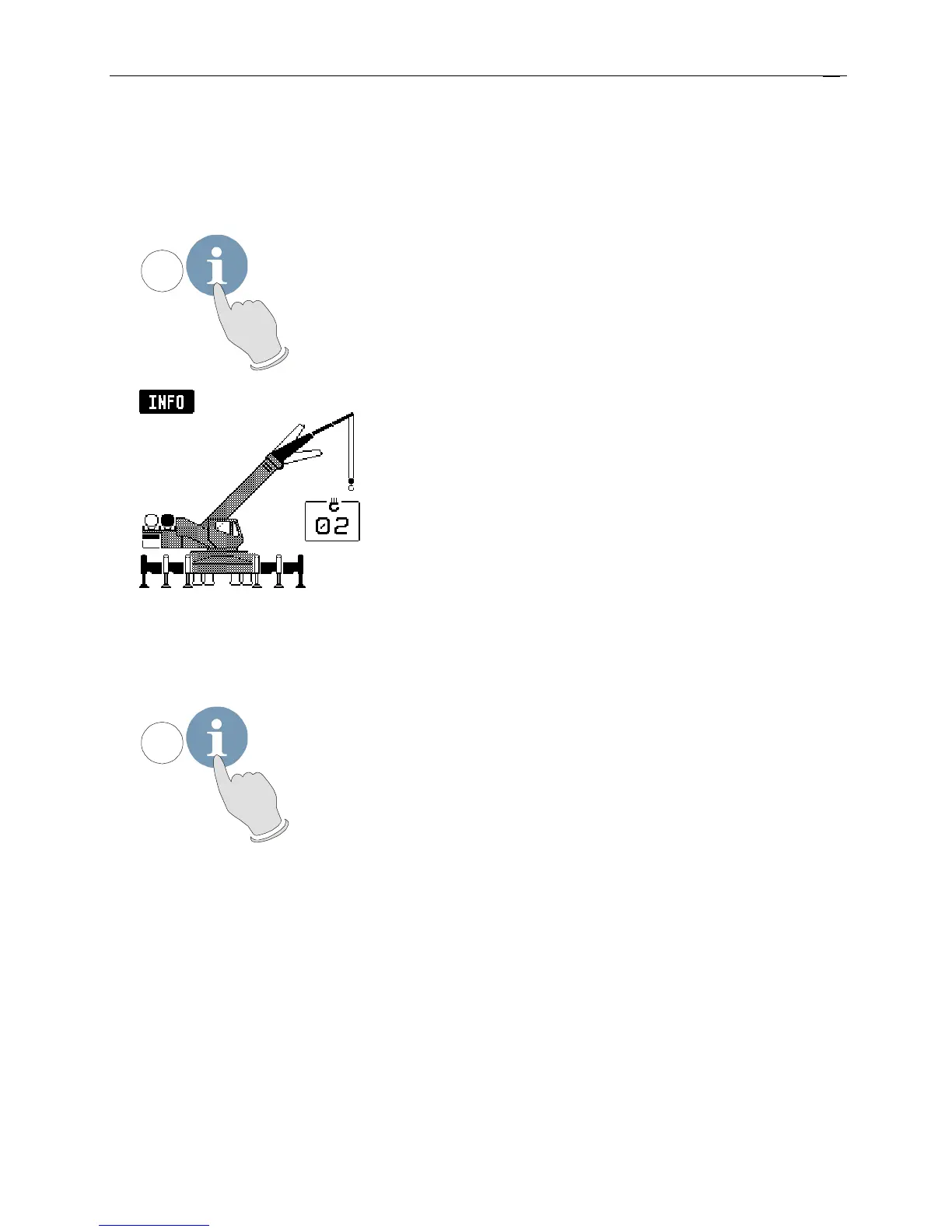
With the system being ready for operation, this function serves to display the system
configuration
• Call function
10
Press key "INFO".
The display shows the crane
symbol representing the
adjusted configuration
(marked black), the extended
operating code number and
the reeving number (parts of
line).
• End function
10
Press again key "INFO".


 To Next Page