Operation
© Hirschmann Rev. E 11/12/08 190147_E
23
5.1.1.B Work Area Definition
The work area definition system helps the operator to define the crane’s working area. This is
done by creating vertical wall(s) that can represent obstacles (i.e. buildings, towers, poles, etc.)
in the crane’s working range. The wall(s) are set by defining points with the boom tip along the
outer limits of the operator’s work area, see setup procedure below. Because these walls are
defined by the operator and are not “actual real” walls, we refer to them as “virtual” walls. When
setting the walls, always keep a safe working distance to any obstacles. Never work
outside a safe working area as outlined by common practice, standards, and manuals.
A virtual wall is set by defining two points. To prevent inaccuracies when defining the two points
for the virtual wall, use the following to rules:
1. The two points should be the same distance form the obstacle.
2. Set the two points at the maximum distance apart, which can be safely reached by the boom tip.
The operator can setup up to 5 virtual walls, the first wall is defined by a straight line between
two set points. The second through fifth walls are created by one new point and the previously
selected point. After the walls have been set, the system alerts the operator when the boom
approaches them. This is done both visual and audible. The console will warn the operator by
an audible, beeping alarm which increases in frequency as the boom approaches the wall. At
the same times, the control light “Alarm Stop” (refer to no. 6, chapter 3.3 of the operator’s
manual) will come on and the button “LIM” (refer to no. 8, chapter 3.3 of the operator’s manual)
will be lit. Similarly, the “virtual wall” symbol in the main screen blinks. If the boom crosses the
wall the audible alarm becomes continuous. See the Pre-warning System Section for
information on how the pre-warning system is defined.
THERE ARE NO CUTOUTS ASSOCIATED WITH THE WORK AREA DEFINITION
FEATURE.
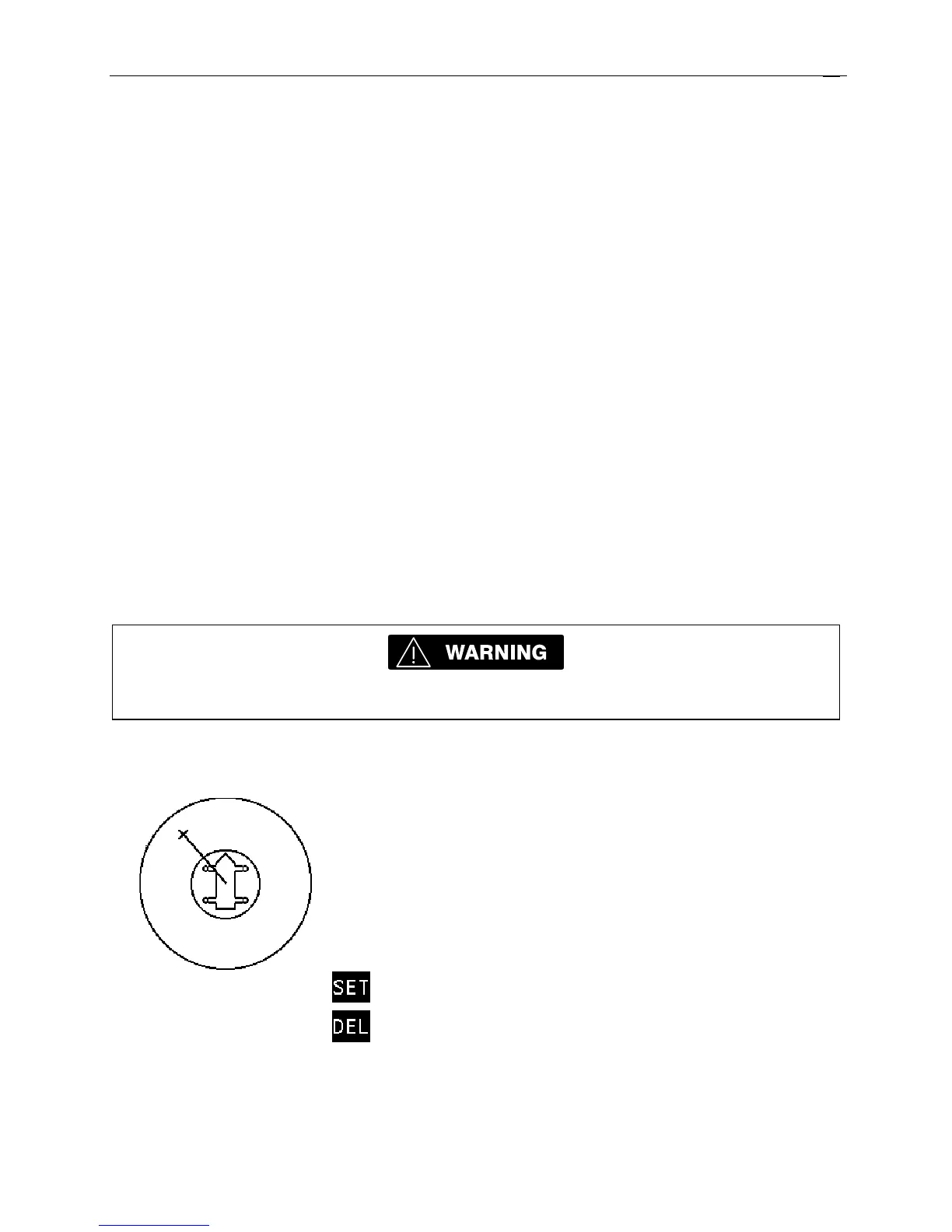
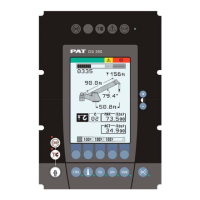
• set / delete work area:
On entering the work area definition
function, the crane working area is
displayed. A blinking X indicates that
a point may be set to define a wall.
Move the boom tip to one end of the
virtual wall you want to set.
Sets a point in the working
area to start a wall
Exits the screen


 To Next Page