2 - 4
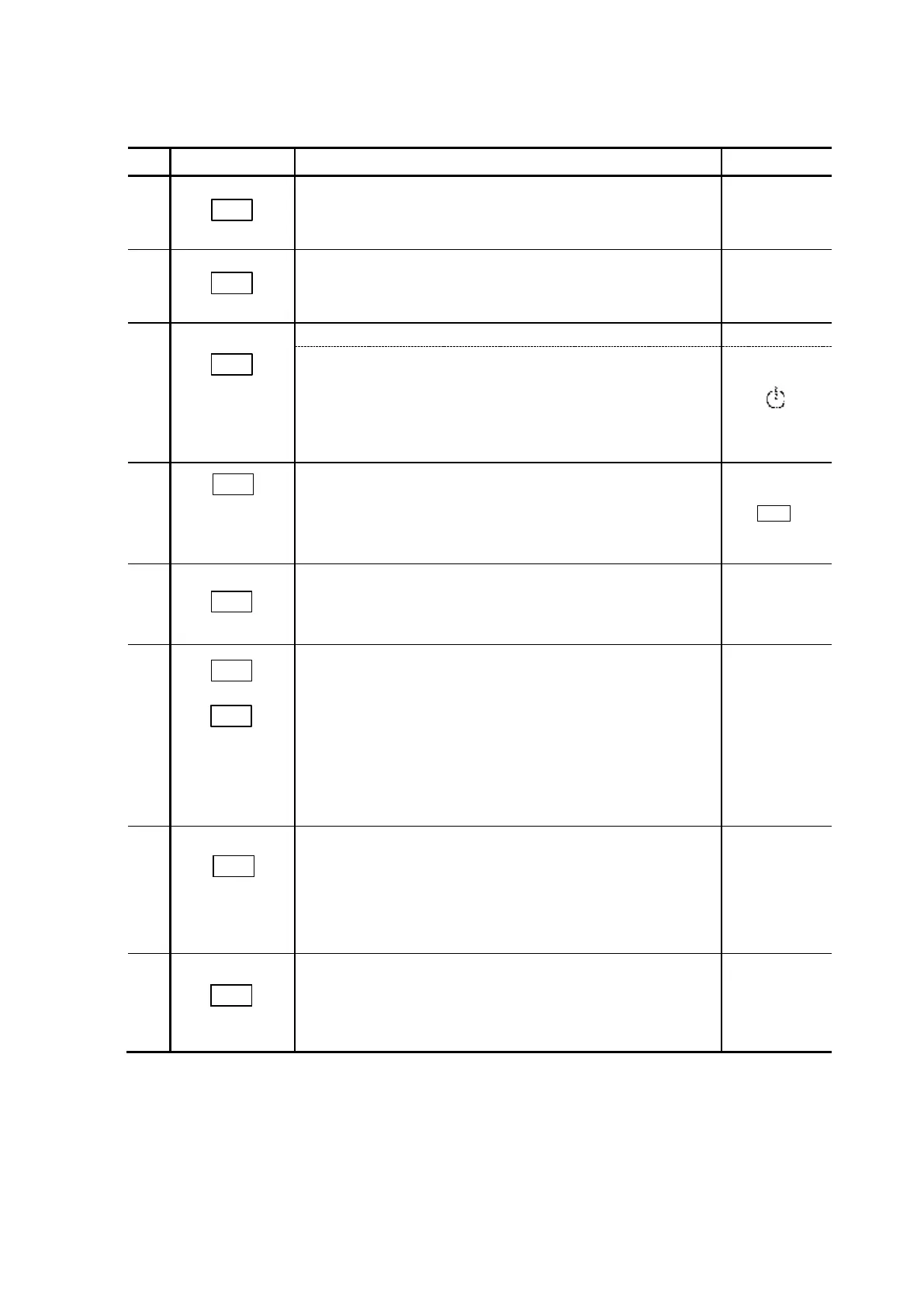
Table 2-3 Key Functions
Sets display and output to zero at each measuring
wavelength.
Used to set each measuring wavelength.
(1) Sets offset value, time constant, etc (UTILTY).
(2) Sets digital communication channel via the e-Line,
LCD contrast.
(2)
Keep pressing it
with
key
simultaneously
to change to the
setup screen.
Selects GLP information.
(1) Checks for lamp energy and wavelength accuracy.
Displays and resets lamp logbook.
(2) Sets the key lock.
(2) Press
the ESC key
to release
the key lock.
Selects and sets the time program.
(1) The monitor screen
△key: Accesses the previous screen.
▽key: Accesses the next screen.
(2) Editing program
△key: Displays the previous screen.
Indicates the last line if it is the first line.
▽key: Displays the next screen.
Indicates the first line if it is the last line.
(1) Starts the time program.
(2) Starts analog output of the stored spectrum.
(2) Valid
only when
connect to
the analog
signal output
unit.
(1) Stops the time program.
(2) Stops analog output of the stored spectrum.



 To Next Page