Fatigue due to Long-Hour Operation
If you keep working with the display monitor and keyboard
for long hours, your eyes and body will be fatigued to
jeopardize your health. When working with the display
monitor for a long time, take a break for 10 to 15 minutes
per hour for health of your eyes and body.
3.1 Basic Operation
First, turn on the power supply to display the 1
st
LCD monitor
screen.
▪ Spend one hour or more for warming up time to stabilize the
xenon lamp.
▪ The numerical value indicated before input is default values or
currently set values.
3.1.1 Power supply
The power activation operation of autosampler is described here.
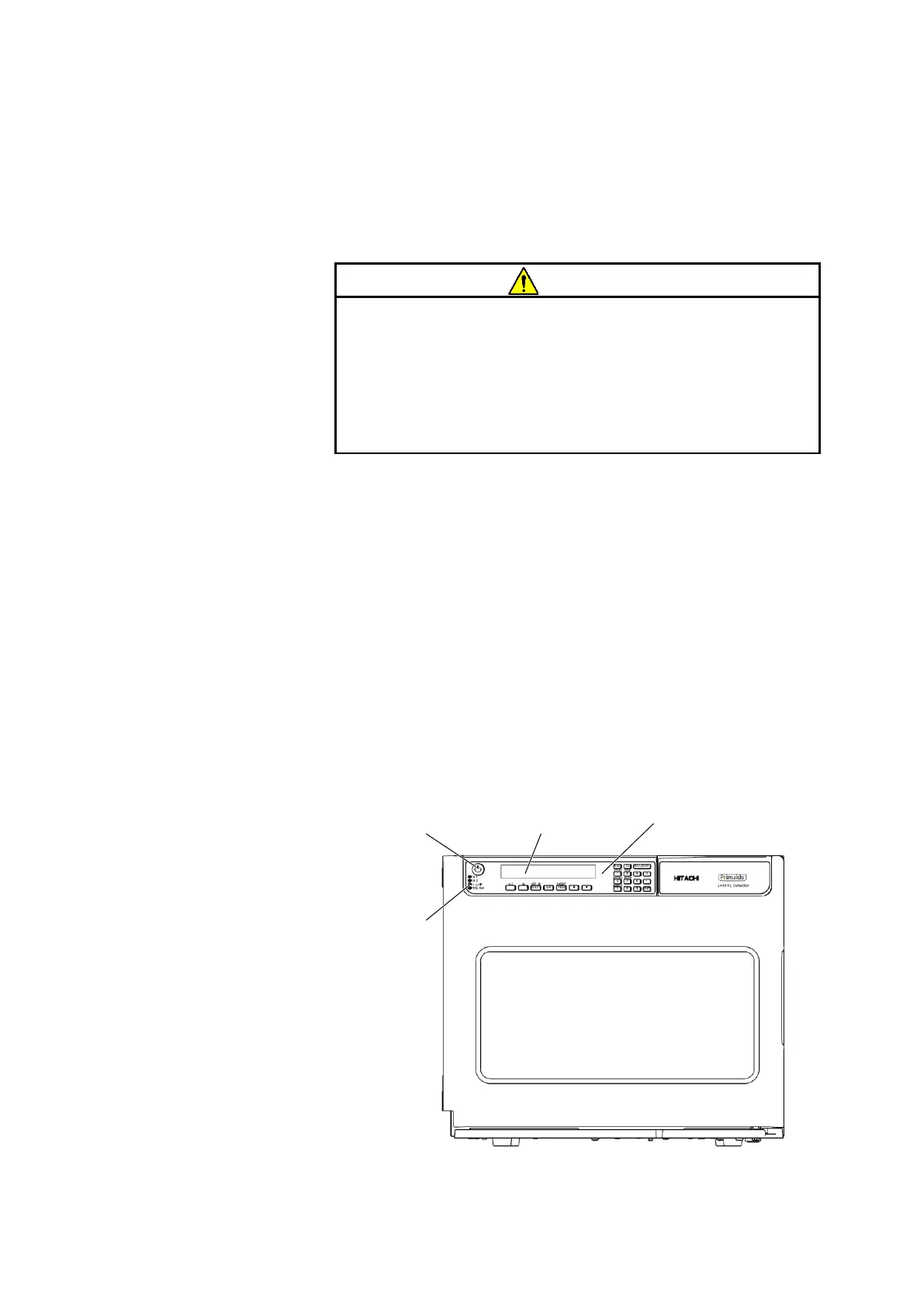
Fig. 3-1 Front Panel



 To Next Page