3 - 23
* Even when the same year as desired is indicated, its
numeral must be input again without fail.
(6) Logbook setting is now completed and the 1st monitor
screen returns.
* When a mercury lamp change date is set, the total ON
period of the Hg lamp and the number of switching-on
times will be automatically reset accordingly.
3.3.5 Key lock setting
Lock the keyboard to prevent incorrect operation.
(1) Press the
key.
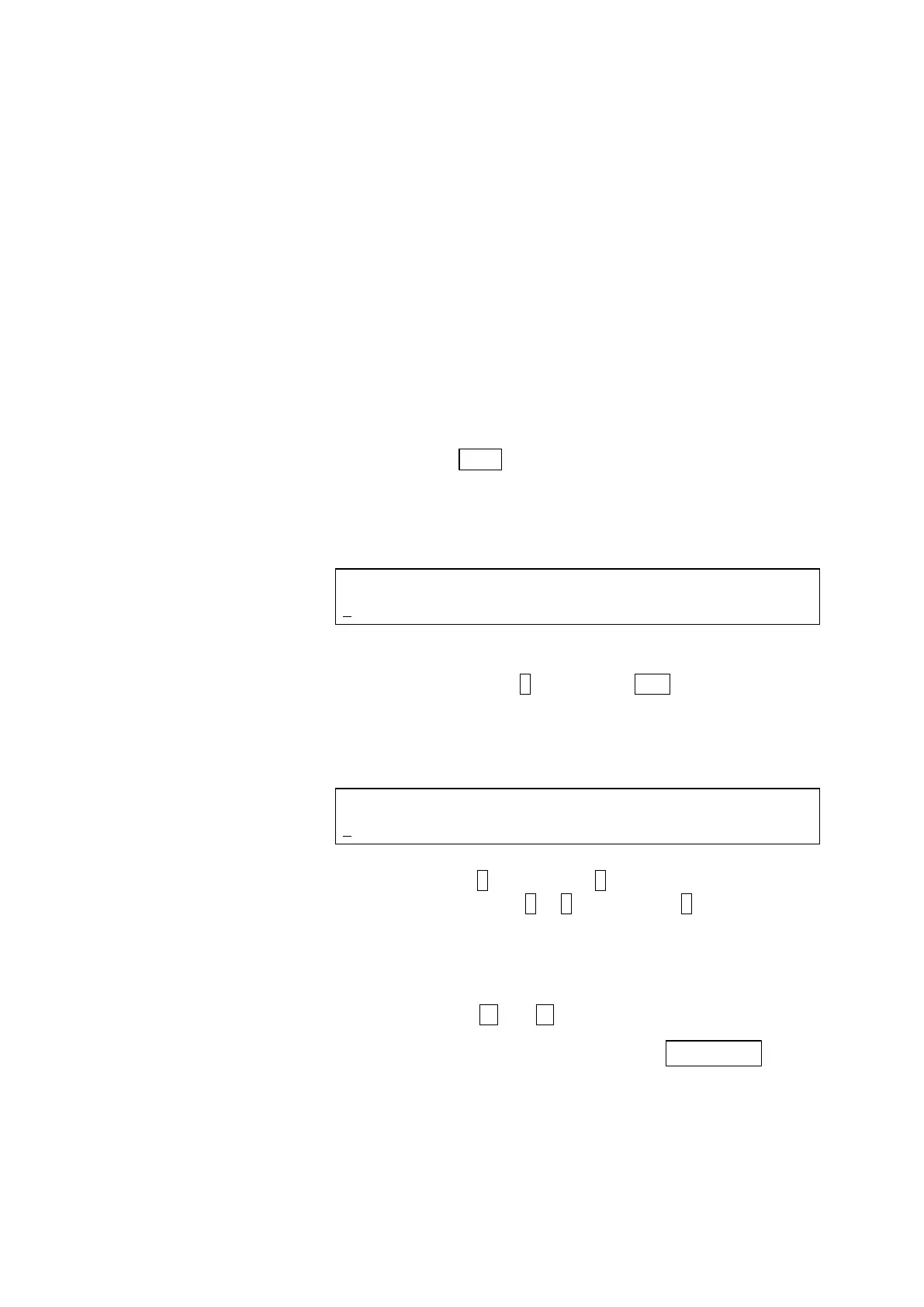
(2) The following display will be presented.
<GLP initial screen>
GLP (LOGBOOK=1, KEY LOCK=2,
2 WL CHECK=3, Xe CHECK=4)
Select KEY LOCK.
Press numeric key 2 and then the ENT key.
(3) The following display will be presented.
<Key lock selecting screen>
Set selection 1 or avoidance 0 of KEY LOCK.
Press numeric key (1 or 0, usually input 1) and then the
ENT key.
* Default value: 0
* Even with the keys locked, the monitor screen can be
changed with and keys.
Key lock can be released by pressing
key.
It is also released when power is turned on again or when
an error occurs.
(4) Key lock setting is now completed and the 1
st
monitor
screen returns.



 To Next Page