3 - 19
(3) The following display will be presented.
<Lamp selecting screen>
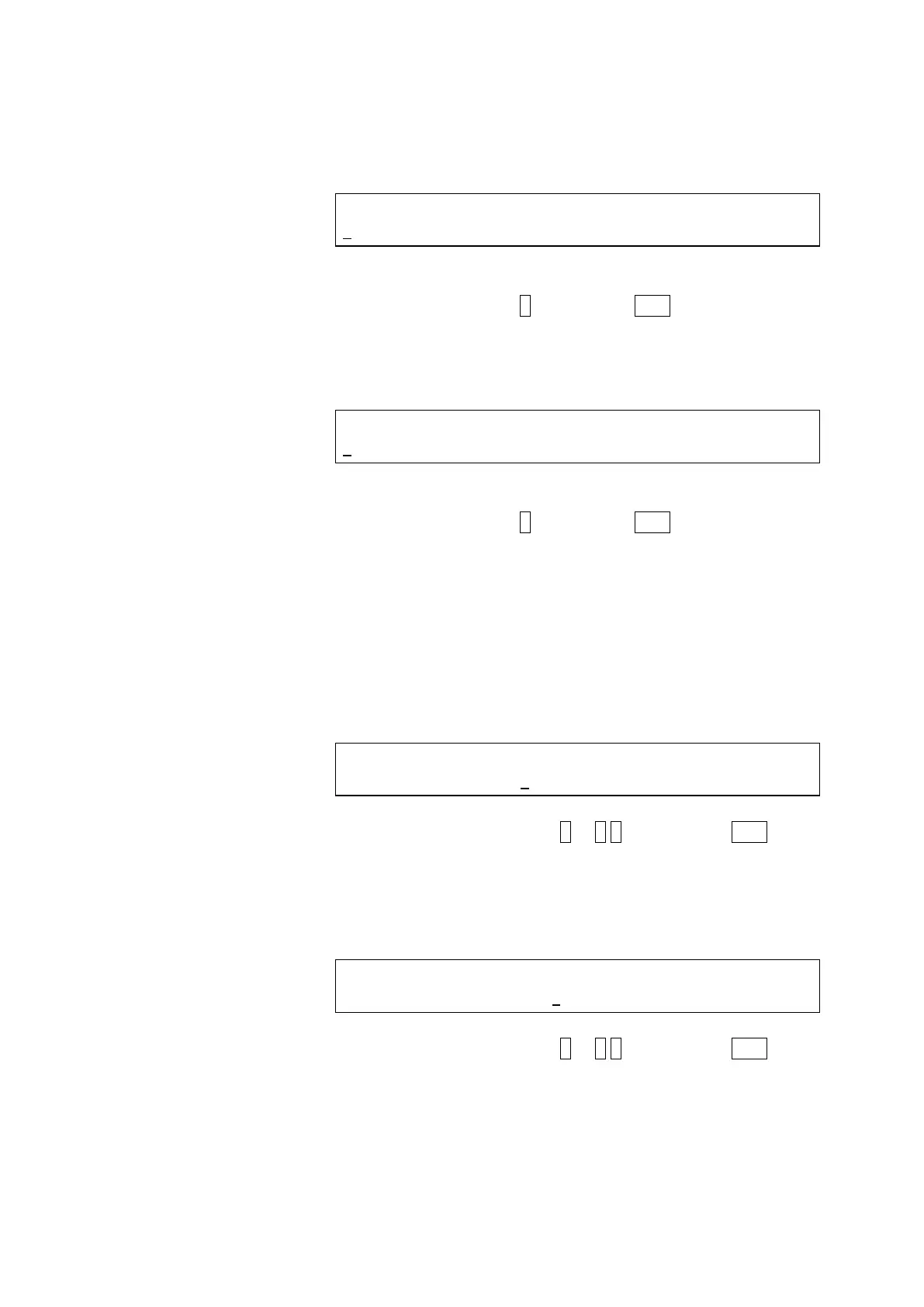
LAMP SELECT (Xe=1, Hg=2)
1
Select Xe.
Press numeric key 1 and then the ENT key.
(4) The following display will be presented.
<Logbook selecting screen>
LOGBOOK (REPORT=1, RESET=2)
2
Select RESET.
Press numeric key 2 and then the ENT key.
Next, advance to the Xe lamp change date setting screen
for setting the date of xenon lamp change.
(5) Set the date of xenon lamp change in the following
procedure.
(a) Input a month for MM (cursor appears under MM).
<Xe lamp change date setting screen (month)>
Xe LAMP CHANGE (MM DD YYYY)
<1-12> 9 1 2010
Press numeric key (1 to 1 2) and then the ENT key.
The cursor moves to DD.
(b) Input a day for DD.
<Xe lamp change date setting screen (day)>
Xe LAMP CHANGE (MM DD YYYY)
<1-31> 9 1 2010
Press numeric key (1 to 3 1) and then the ENT key.
The cursor moves to YYYY.



 To Next Page