CHARGING A BATTERY
20
CHARGING A BATTERY
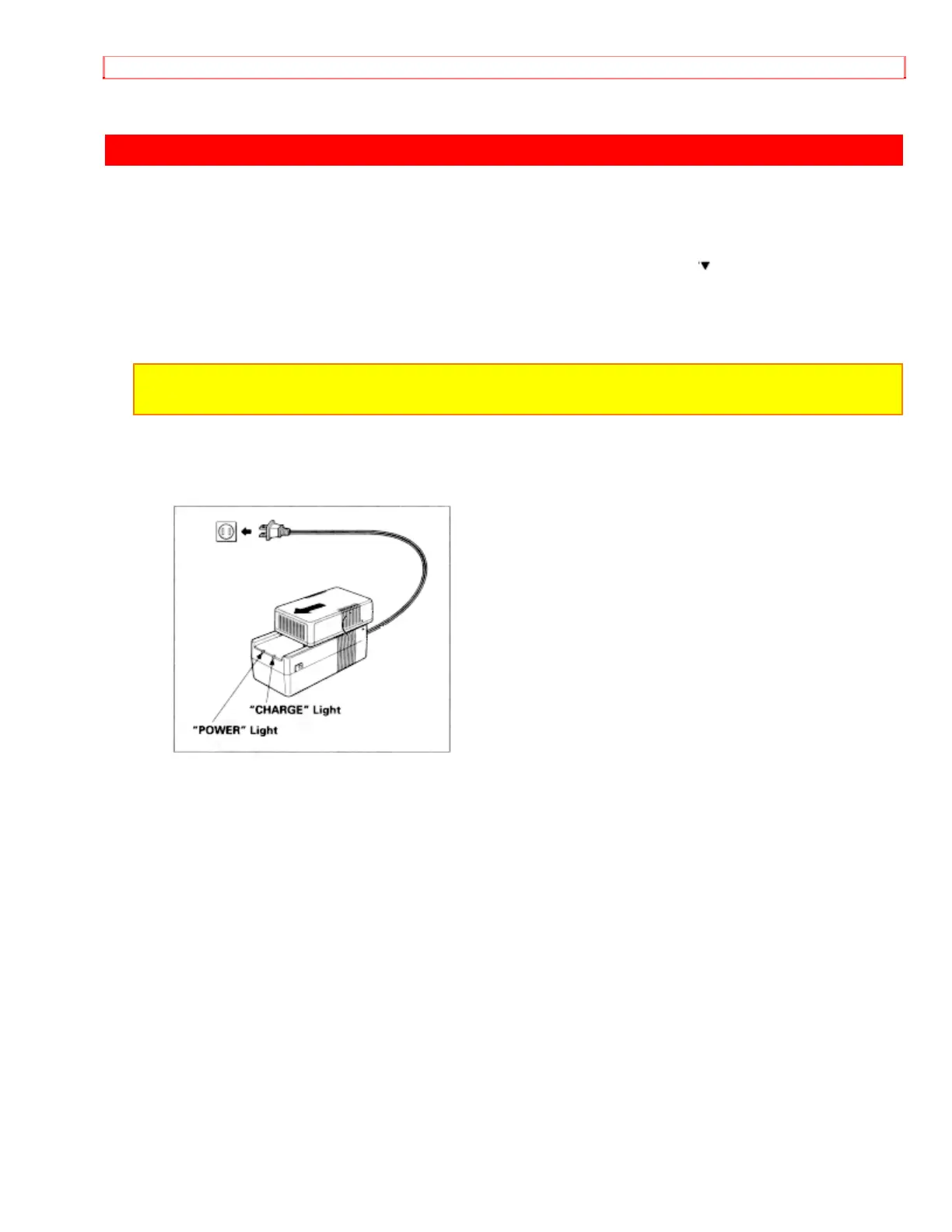
1. Plug the AC adaptor/charger power cord into AC electrical outlet.
2. Attach the battery to the AC adaptor/charger. Align the mark " " on the battery with
that of AC adaptor/charger and push the battery flush with the AC adaptor/charger and
slide it in the direction of arrow.
NOTE: You must remove the DC cord from the AC adaptor/charger to charge the battery. If
the DC cord is connected, "CHARGE" light will not light.
3. The "CHARGE" light will be lit while the battery is accepting a charge, and will go out
when the battery is fully charged.


 To Next Page