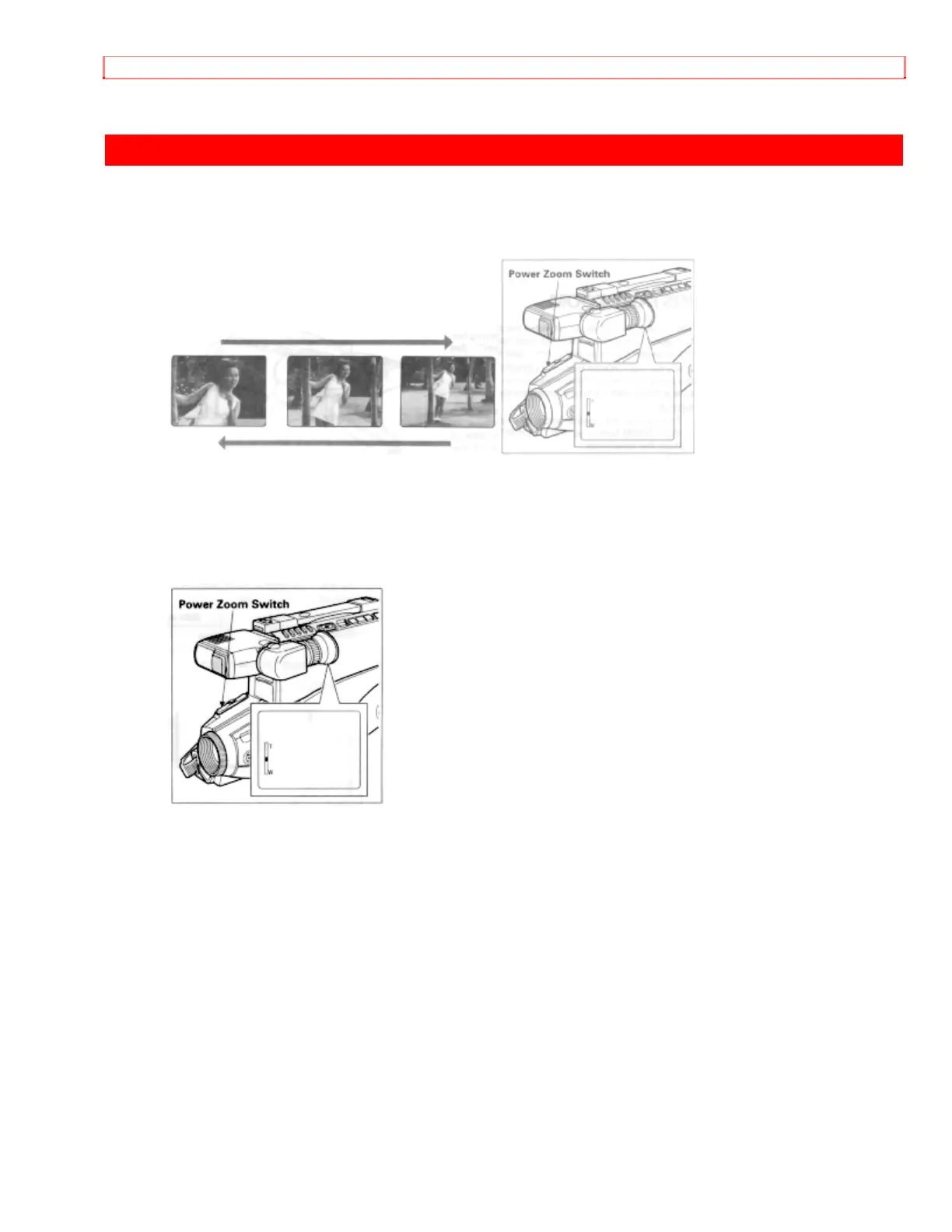
POWER ZOOM
38
POWER ZOOM
• Press power zoom switch on the "W" side, and the picture gradually widens.
• Press the power zoom switch on the "T" side, and the picture gradually becomes
telescopic.
• The zooming speed is slow when the power zoom switch is pressed lightly, and the
zooming speed is fast when the switch is pressed strongly.
• When power zoom switch is operated, the zoom position is displayed in the viewfinder
in 10 steps for several seconds.


 To Next Page