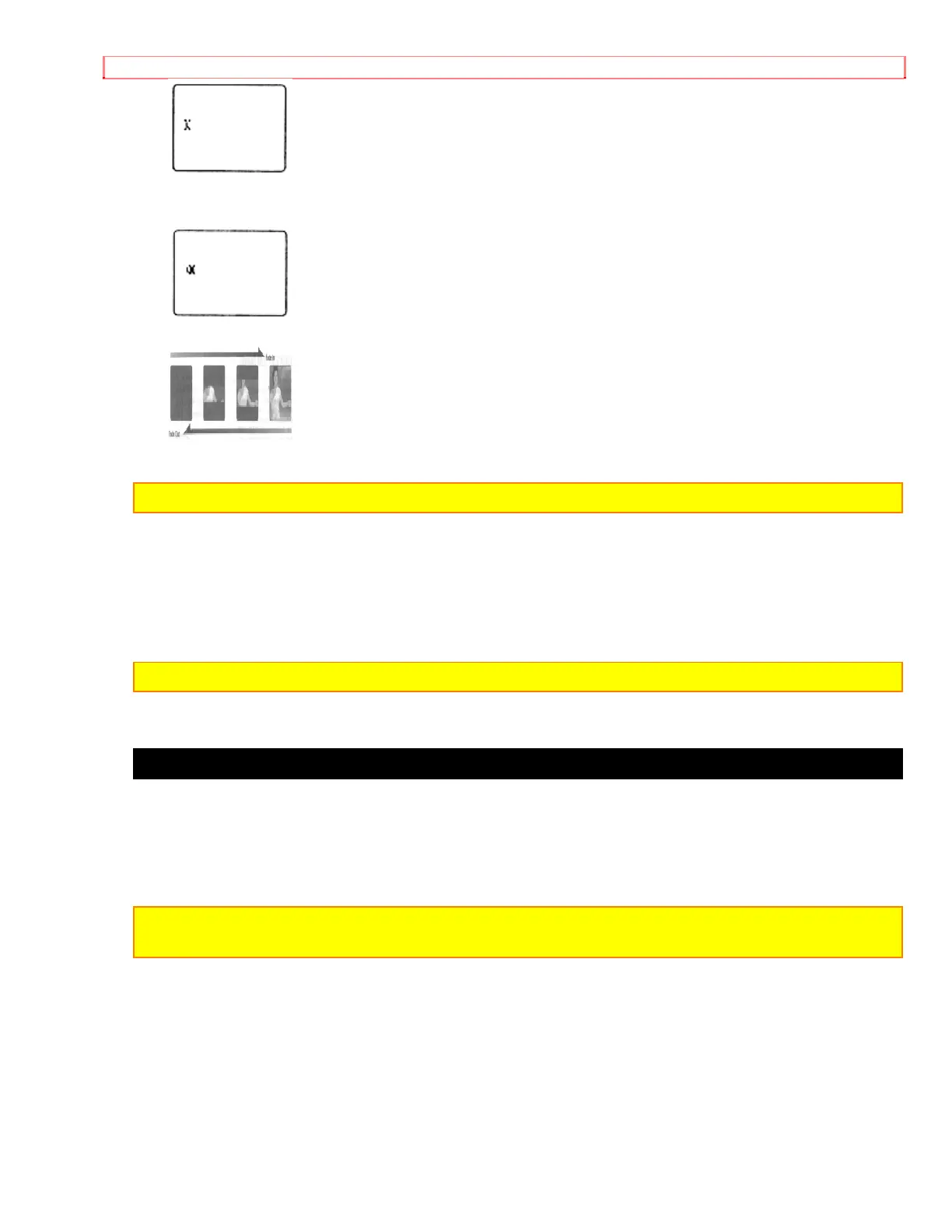
TITLE RECORDING
51
5. After you have selected the first character, press "SHIFT" button to move the flashing
cursor to the place you want the next character.
6. Repeat steps 4 and 5 until you have completed the title.
NOTE: Character may flash, however it will be recorded correctly without flashing.
7. After completing your title, press "PAGE" button and create the title on another page.
8. After creating the title, press "TITLE" button to remove the title graphics from the
viewfinder. Now title graphics is stored in memory.
NOTE: As long as the correct current time can be displayed, the title is held in memory.
Correcting errors during title storage
1. Press "Shift" button repeatedly until the character to be corrected will flash.
2. Press either "-" or "+" button until the correct character appears.
NOTE: The correct character may flash, however it will be recorded correctly without
flashing.


 To Next Page