MAKING A SAMPLE RECORDING
24
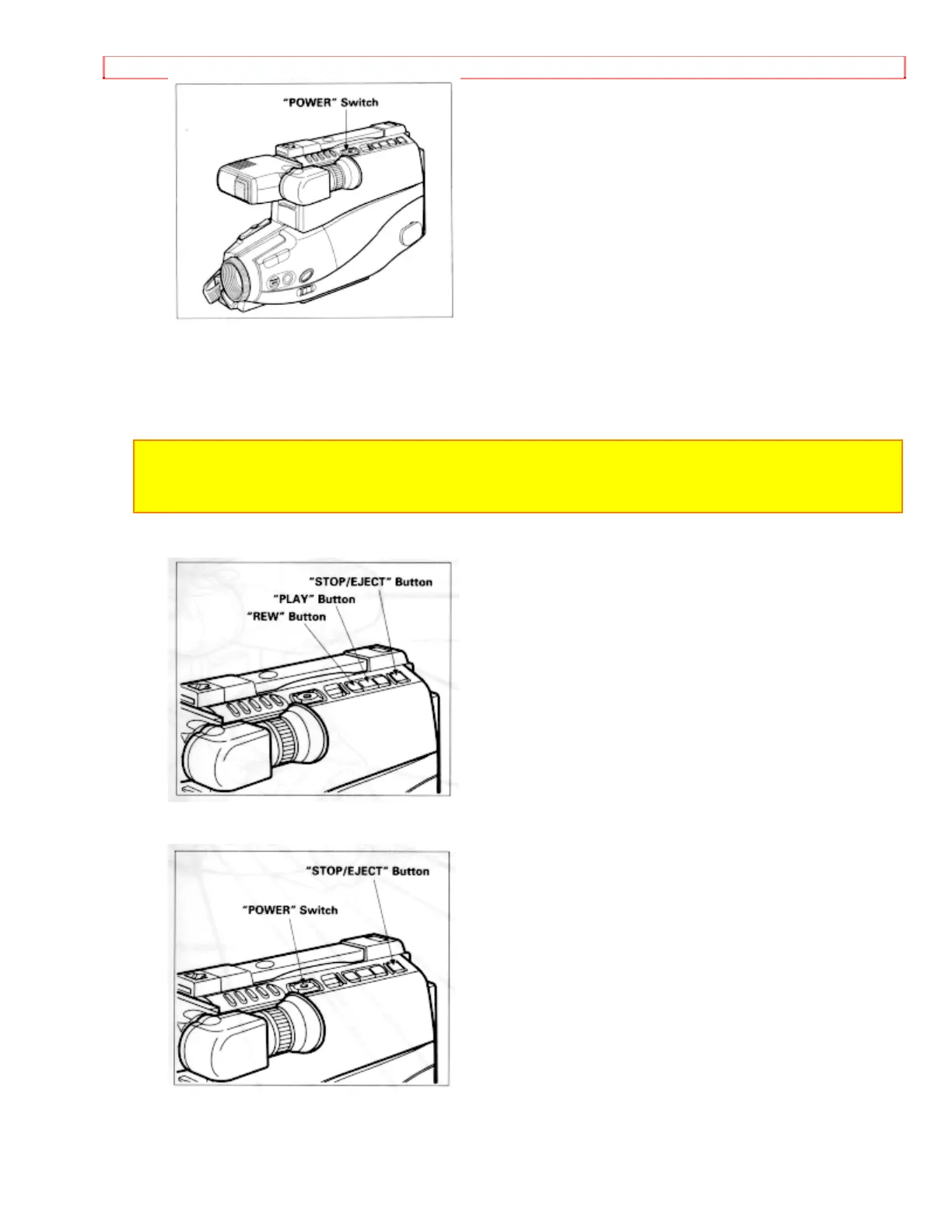
8. Press "REW" button. The tape will be rewound to the beginning
9. Press "PLAY" button. The picture you just recorded will be seen through the
viewfinder.
NOTE: If you connect the camera/recorder to your TV, you can see the picture played back
on your TV. Refer to "VIEWING THE PICTURE PLAYED BACK ON YOUR TV" on page
34.
10. After playing, press "STOP/EJECT" button
11. Slide the "POWER" switch to "OFF" position to turn off the camera/recorder. Press
"STOP/EJECT" button to remove the cassette.
12. Always remove the power source from the camera/recorder after use.


 To Next Page