AUDIO AND VIDEO DUBBING
58
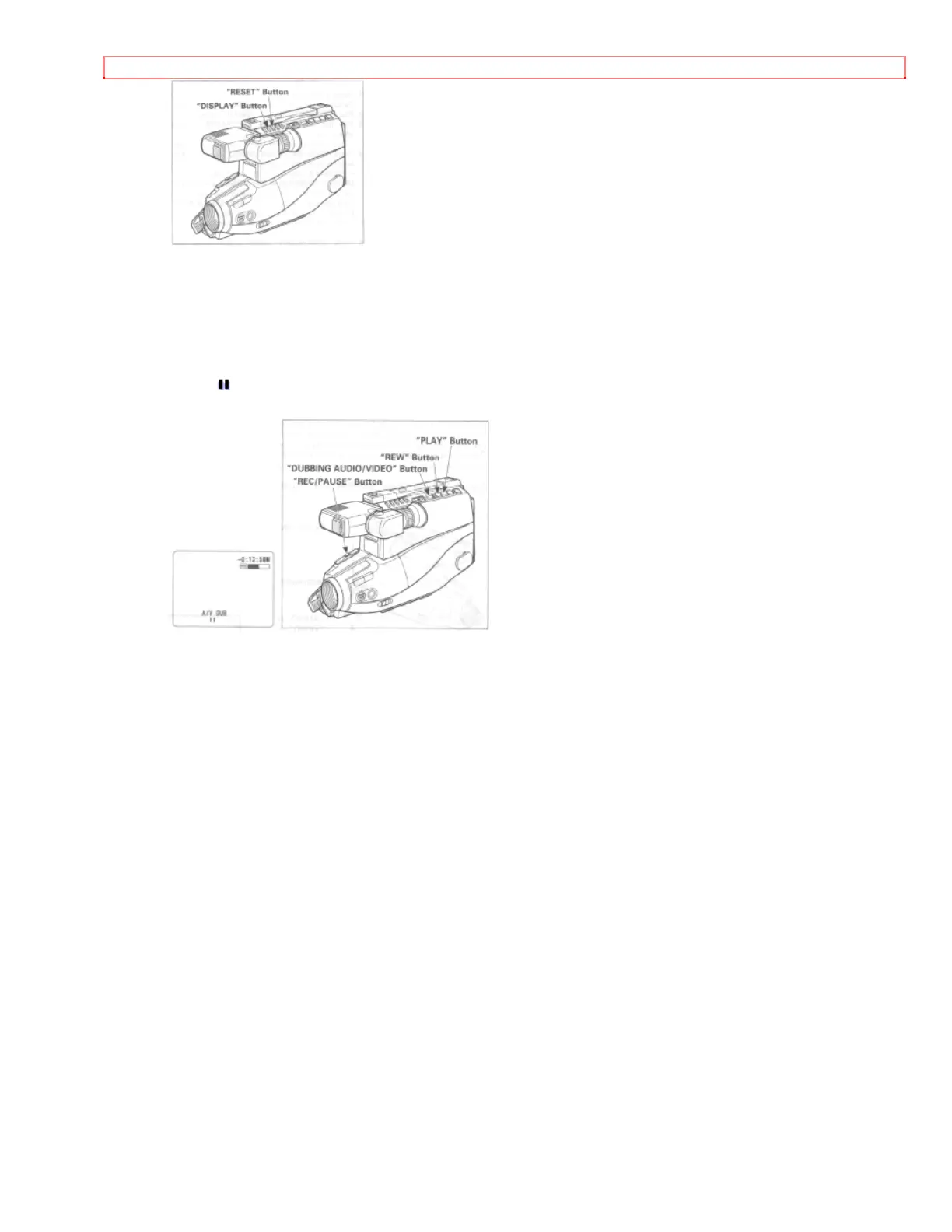
7. Press "REW" button to rewind the tape to the approximate position from which you
want to start dubbing.
8. Press "PLAY" button, and when the exact position to start dubbing is reached, press
"REC/PAUSE" button.
9. Press "DUBBING AUDIO/VIDEO" and "PLAY" buttons simultaneously twice. "AV
DUB " is displayed in the viewfinder, and at the same time the picture to be dubbed
appears.
10. Press the "REC/PAUSE" button. Dubbing will start and will stop when the counter
reads "0:00:00".


 To Next Page