HITRON CVE-30360 USER’S GUIDE
CABLE
2.5 THE PASSWORD SCREEN
Use this screen to change the password with which you log in to the CVE-30360.
NOTE: If you forget your password, you will need to reset the CVE-30360 to its
factory defaults.
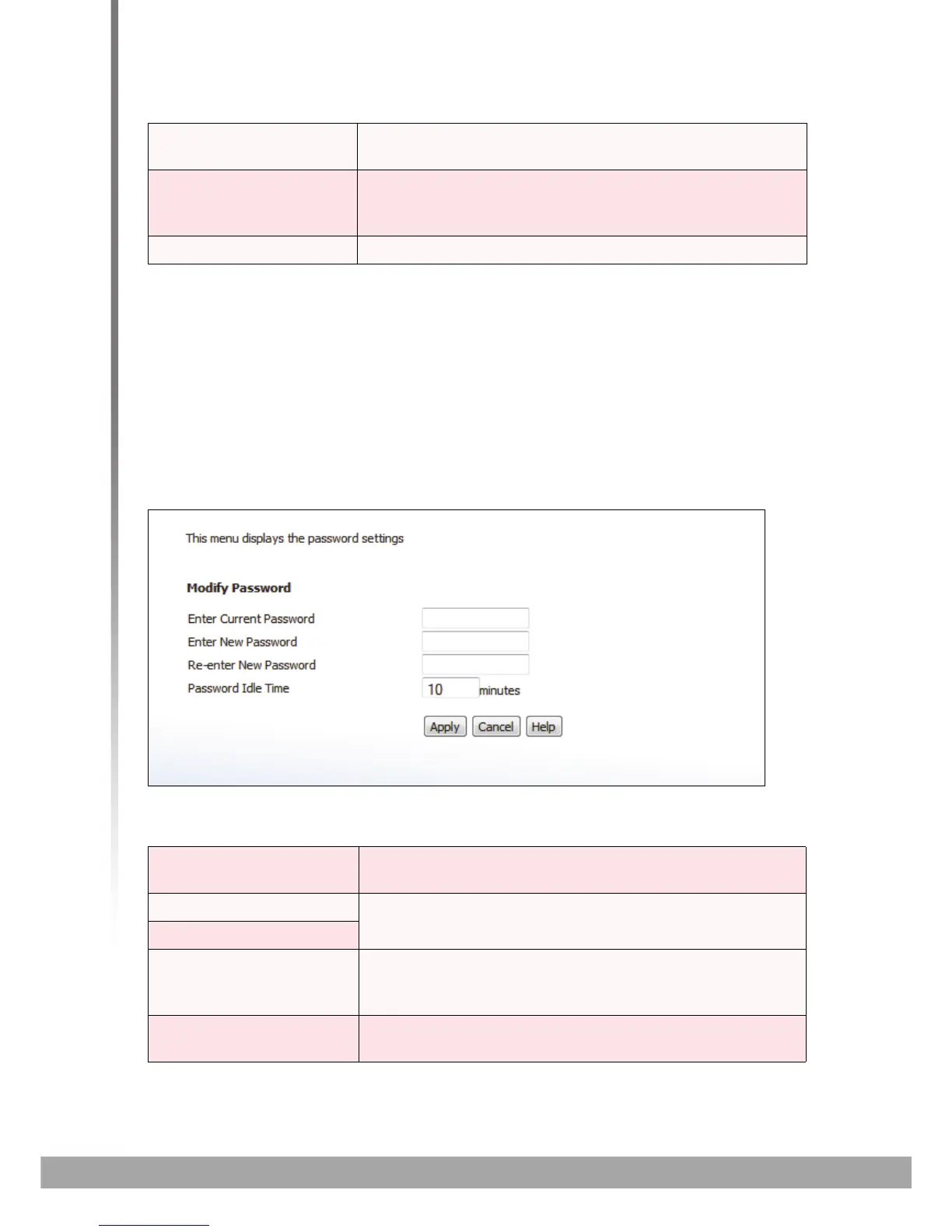
Click Cable > Password. The following screen displays.
FIGURE 9: The Cable > Password Screen
The following table describes the labels in this screen.
Gateway IP This displays the IP address of the device to which the
CVE-30360 is connected over the CATV interface.
DHCP Lease Time This displays the time that elapses before your device’s
IP address lease expires, and a new IP address is
assigned to it by the DHCP server.
System Time This displays the current date and time.
TABLE 9: The Cable > Password Screen
Enter Current Password Enter the password with which you currently log into the
CVE-30360
Enter New Password Enter and re-enter the password you want to use to log
into the CVE-30360.
Re-Enter New Password
Password Idle Time Enter the number of minutes of inactivity after which you
should be automatically logged out of the CVE-30360.
Once this period elapses, you will need to log in again.
Apply Click this to save your changes to the fields in this
screen.
TABLE 8: The Cable > Status Screen (continued)



 To Next Page