HITRON CVE-30360 USER’S GUIDE
PARENTAL CONTROL
5.4 THE LOCAL LOGS SCREEN
Use this screen to see information about events that have triggered the website
blocking filter.
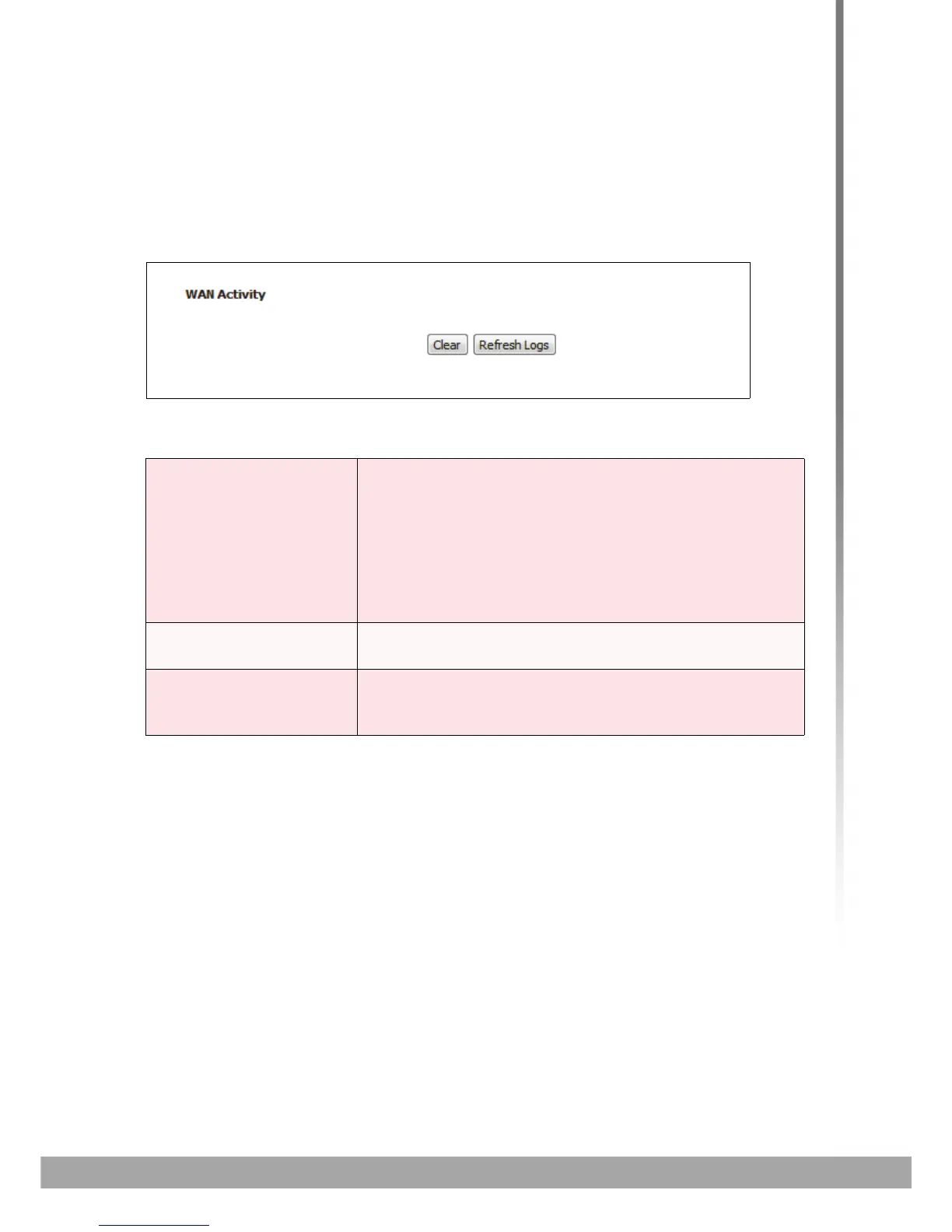
Click Parent Control > Local Logs. The following screen displays.
FIGURE 24: The Parent Control > Local Logs Screen
The following table describes the labels in this screen.
TABLE 24: The Parental Control > Local Logs Screen
WAN Activity This field displays information about website blocking
filter events in the following format:
Date (DD/MM/YY)
Time (HH:MM:SS)
IP Address
Event type
Clear Click this to remove the log events. Deleted information
cannot be retrieved.
Refresh Logs Click this to reload the information in the WAN Activity
list. Events that have occurred since you last refreshed
the list display.



 To Next Page