7
EMTA
This chapter describes the screens that display when you click EMTA in the toolbar.
These screens display information about the CVE-30360’s embedded Multimedia
Terminal Adapter module.
NOTE: The fields in these screens are read-only, and are provided for
troubleshooting purposes only.
7.1 THE STATUS SCREEN
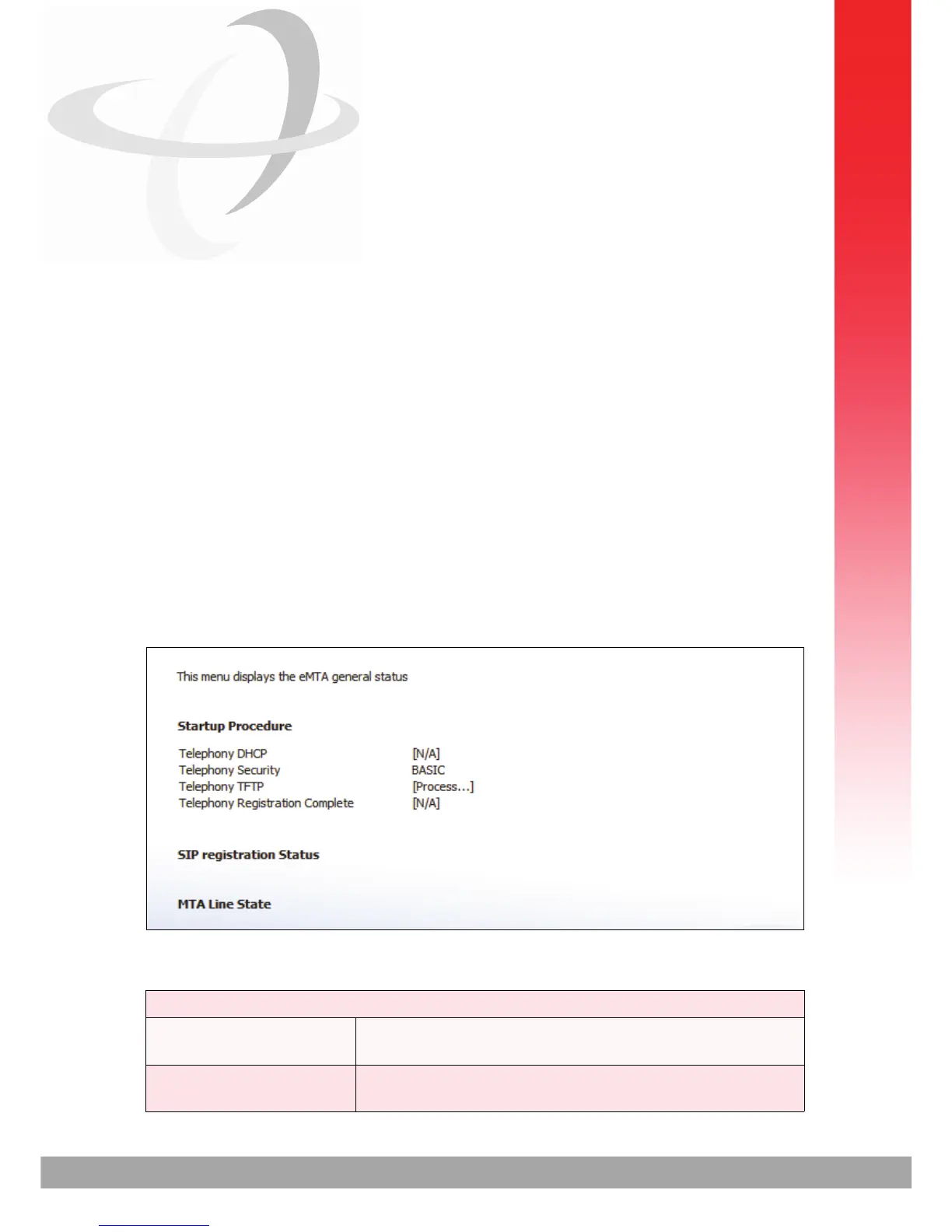
Use this screen to see general information about the eMTA module.
Click EMTA > Status. The following screen displays.
FIGURE 31: The EMTA > Status Screen
The following table describes the labels in this screen.
TABLE 29: The EMTA > Status Screen
Startup Procedure
Telephony DHCP This field displays the status of the remote telephony
DHCP server.
Telephony Security This displays the type of security used for voice calls
through the CVE-30360.



 To Next Page