HITRON CVE-30360 USER’S GUIDE
WIRELESS
6.4.3 THE ACCESS CONTROL SCREEN
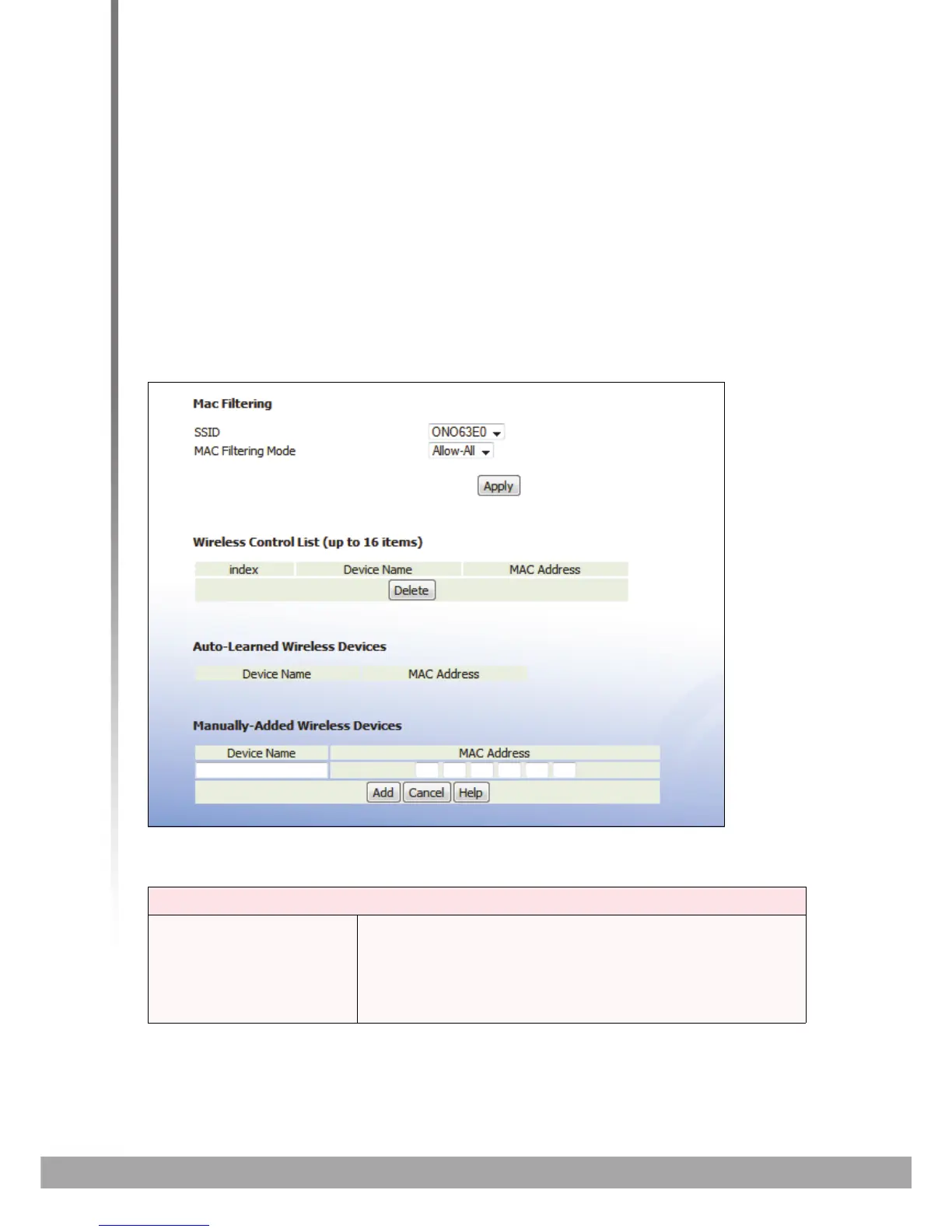
Use this screen to configure Media Access Control (MAC) address filtering on the
wireless network.
NOTE: To configure MAC address filtering on the wired LAN, see The MAC Filtering
Screen on page 50.
You can set the CVE-30360 to allow only certain devices to access the CVE-30360
and the network wirelessly, or to deny certain devices access.
Click Wireless > Access Control. The following screen displays.
FIGURE 29: The Wireless > Access Control
The following table describes the labels in this screen.
TABLE 27: The Wireless > Access Control Screen
MAC Filtering
SSID Select the SSID for which you want to configure wireless
access control.
NOTE: At the time of writing, the CVE-30360 supports a
single SSID.



 To Next Page