25
3b – Wall mounting the thermostat
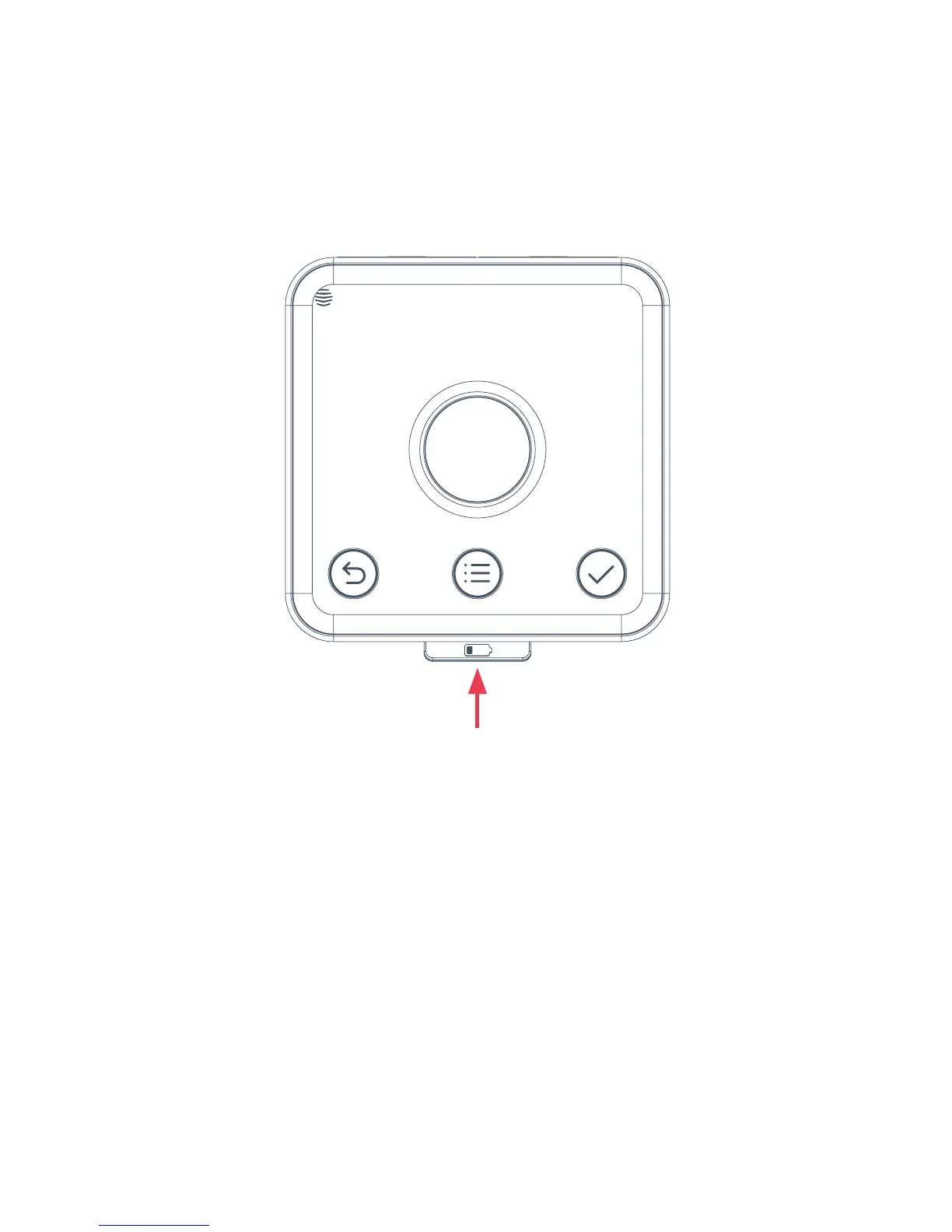
Remove the backplate of the thermostat by pressin the lever at the bottom
and pullin away from the front of the device.
Once you’ve found a suitable location, fix the backplate to the wall usin the
appropriate fixins. The backplate is desined for 3.5mm/size 6 or size 8
screws. Be careful to avoid any cables and pipes that may be buried in the wall.
Note: The backplate is desined to mount directly onto a sinle an
back box, if available.



 To Next Page