33
5b – Using the Hive app or online dashboard:
Please note, if installin Hive Active Heatin to a hub that is already connected
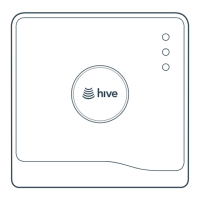
to other Hive products, you must use the button on the back of the hub to
install the first zone. Any additional zones can be added throuh the Hive app
or online dashboard usin the steps below.
1
Download the Hive app or o to hivehome.com
2
Loin usin the email address and password you reistered with
OR If you haven’t already ot a Hive account, tap ‘Create Account’ on the
app Loin screen or create one at hivehome.com/register. Once you’ve
created your account then you’ll need to lo in.
3
If prompted to do so, enter the hub ID – this is found on the underside
of the hub, for example ABC-123
4
Select menu in the smartphone app or settins on the website
5
Select Install Devices, then select Add Heating Zone and follow the
on-screen instructions.



 To Next Page