6. Interior structure
59
Sunshade/insect screen
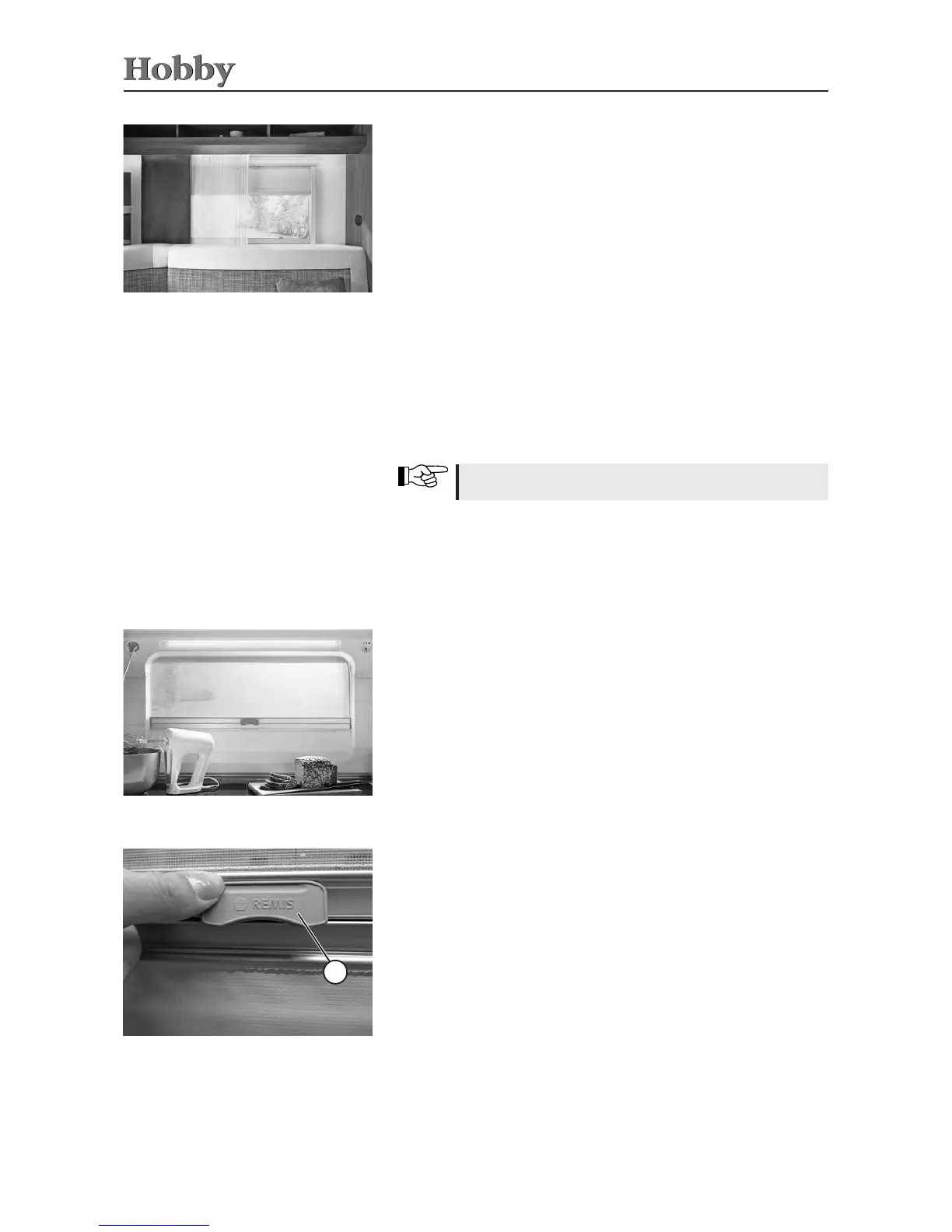
Standard kitchen window
Openingandclosingtheblinds:
• Pulltheblindsslowlyandevenlyupordowntheguiderailuntil
thedesiredpositionhasbeenreached.
Shuttingtheinsectscreen:
• Pulltheinsectscreenslowlyandevenlytothebottomofthe
guiderail.Tiltthelock
j
tohookitunderneaththeguiderailof
theblind.
Openingtheinsectscreen:
• Tiltthelock
j
andthenpulltheinsectscreenslowlyandeven-
lytothetopoftheguiderail.
Combiningthesunshadeandinsectscreen:
• First,pullthesunshadeslowlyandevenlyalongtheguiderail
tothedesiredposition.Thenpulltheinsectscreenslowlyand
evenlydowntheguiderailasfarastheguiderailofthesunsha-
deandhookthelockintoplace.
Integrated windows
1
Integrated kitchen window
Lock on the insect screen
To close the black-out pleating
• Usethehandletopulltheplisséuptothedesiredpositionand
thenletgo.Theshaderemainsinthisposition.
To open the black-out pleating
• Usethehandlestriptopullupordownlightlyontheblack-out
pleating.Theshaderollsupwardautomatically.
To shut the insect screen
• Pulltheinsectscreencompletelydownwiththestrapandlet
go.Thescreenremainsinthisposition.
To open the insect screen
• Pulltheinsectscreenslightlydownwiththestrapandthen
guideitupward.Thescreenrollsupwardautomatically.
Sunshade/insect screen
Donotlettheshadeortheinsectscreenyupward!



 To Next Page