Electrical Installations
07-6
l
Date display
Thecurrentdateisdisplayedinthiseld.
m
Alarm clock
Thisiconisusetoactivatethealarmclock.Theexample
showsthealarmclockwhenithasbeendeactivated.
Whenitisactivated,thereisnolinethroughtheicon.
n
Charging status of the ancillary battery
Ifthearrowpointstowardsthebattery,itwillbecharged.
Ifthearrowpointsawayfromthebattery,itwillbe
discharged.
o
Main switch
Theiconforthemainswitchalwaysappearswhenthe
system's 12V main switch has been switched on.
p
Mains connection
Thisiconappearsifthemotorhomeisconnectedtothe
230V mains.
q
Generator/Motor is running
Aniconwillappearhereifthemotorhome'smotorhas
been started.
rAir conditioning*
Theairconditioningicononlyappearswhenthemotorhome
hasbeenttedwithanairconditioningsystemthatisCIbus
compatibleanditisinoperation.Thebasicfunctionsofthe
air conditioning system can be controlled in a submenu using
thecontroldialandkeys.Variousoperatingstatescanbe
displayed.
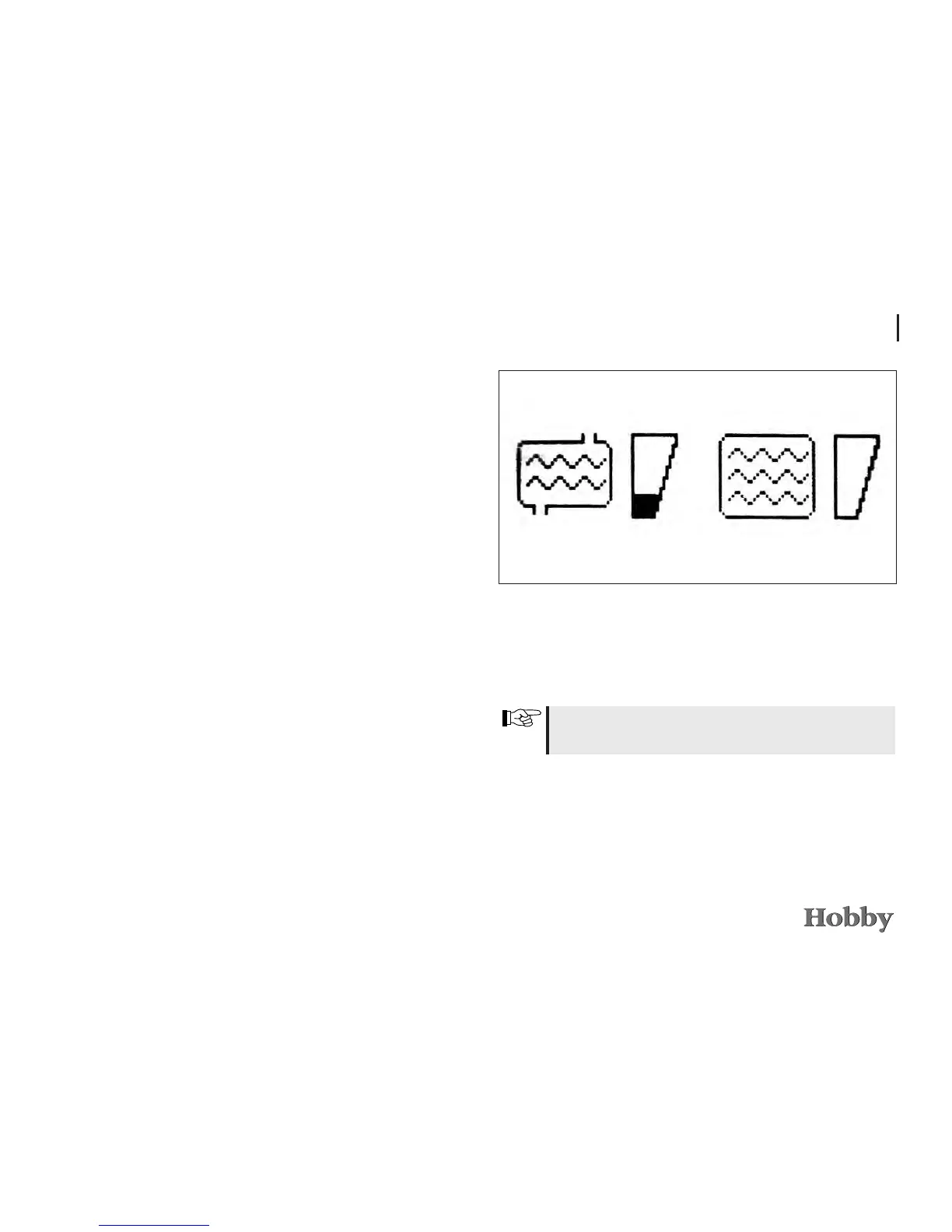
Level of the tank
• Afterturningoncetotherightorleft,themenufordispla-
yingthelevelofthefreshandwastewatertanksappears.
Alignthevehiclehorizontallytoobtainameaningfulresult
fromthellinglevelindicator.





 To Next Page