Electrical Installations
07-8
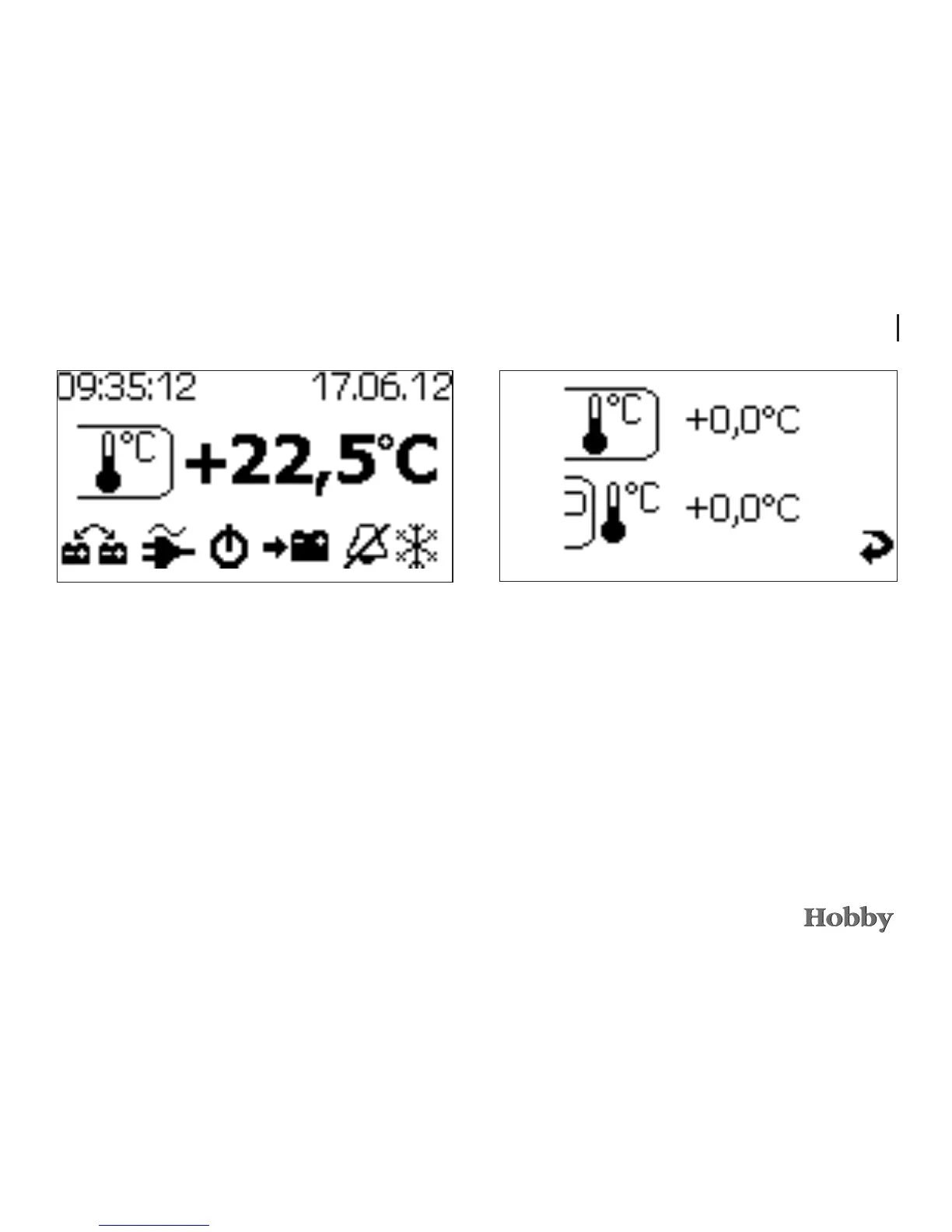
Inside temperature
• Afteronceagainturningtotheright,themenufordispla-
yingtheinsidetemperatureappears.
• Thedisplayisshowninincrementsof0.5°C.
Calibrating the temperature
Itispossibletocalibratetheindoorandoutdoortemperatures
shown,astemperatureeectsonthesensorsmayleadtoa
deviationbetweenthetemperaturedisplayedandtheactual
temperature.
• Tocalibratethedisplayedtemperatures,pleaseswitchto
thetemperaturedisplay.Itisirrelevantwhethertheindoor
ortheoutdoortemperatureisdisplayed.
• Presstherotary/selectorswitchforseveralseconds.The
system will now switch automatically to calibration mode.
• Switchtothedesiredarea(indoororoutdoor)byturning
theselectorswitch.Pressbrieyontheswitchtoselectthe
area.





 To Next Page