Electrical Installations
07-9
• Youcannowincreaseordecreasethetemperatureshown
byupto+/-7°Cinstepsof1°C.Whenthedesiredvalue
hasbeenset,quitthemenuitembypressingbrieyonthe
selector switch.
• Quitthecalibrationmenubyusingtheselectorswitchto
select the Return icon. The changed value is now shown
onthetemperaturedisplay.
Battery charging
Afterthetypeandcapacityofthebatteryhavebeensetandit
hasbeencalibrated,thebatterysensorpermanentlymonitors
thestatusofthebatteries(starter/ancillarybattery).
The intelligent battery sensor is connected directly to the nega-
tive terminal on the ancillary battery.
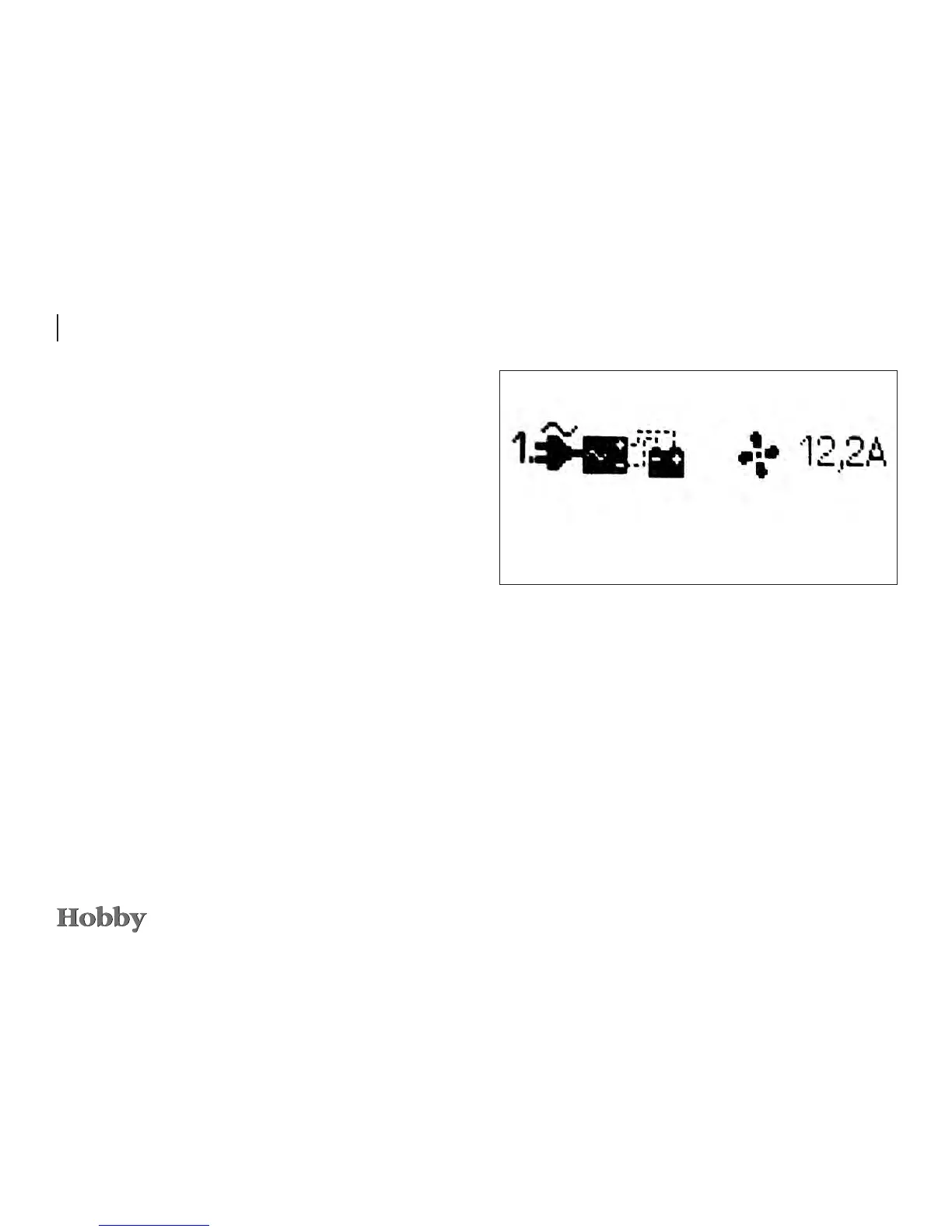
Battery charging function
230Vvoltageappliedandchargerhasbeenactivatedfor
sensor control.
Thefancanbeswitchedonandointhismenu;theillustration
shows the fan when it is switched on.





 To Next Page