Electrical Installations
07-14
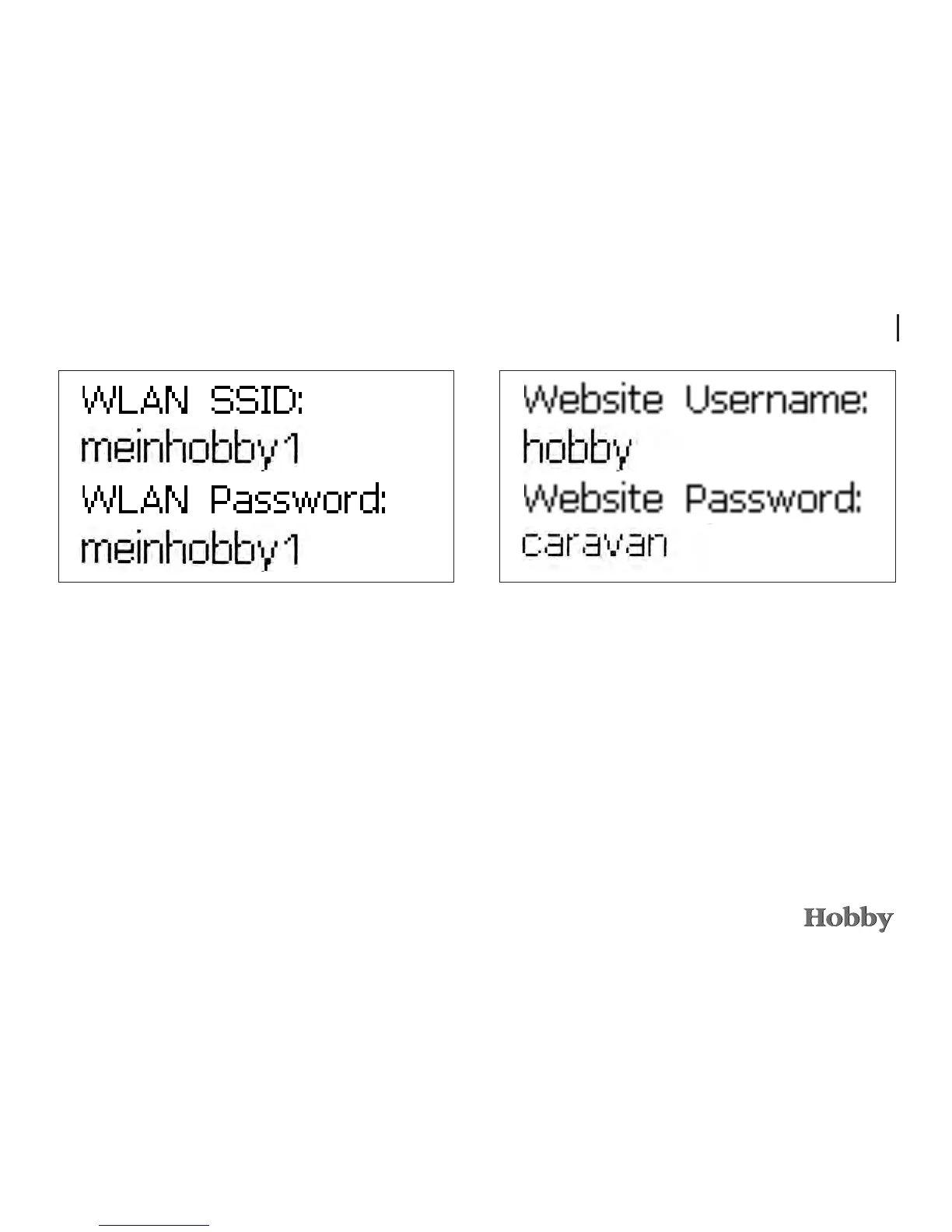
Presstherotaryencoderkeytoaccessthesubmenuinwhich
theconnectiondatafortheWLANnetworkisdisplayed.(The
menuontheleftonlyshowsexampledata.)
TheWLAN-enableddevicemustbeconnectedtothenet-
workandthepasswordmustbeconrmed:underSettings,
go to “WLAN”andselectthenetwork“meinhobby1”(in
thisexample).Shouldthisnotbedisplayedimmediately,you
mustrstusethesearch/scanfunction.
Thenselectthenetwork,enterthepasswordandclickonthe
“Connect”buttontoconrm.Youcannowcallupthewebsite
http://192.168.0.1intheInternetbrowser.
Bycontinuingtoturnandconrmtherotaryencoderonthe
controlpanel,youwillreachtheWebserverdata,whichis
requiredtoopenthedataintheWebbrowser.






 To Next Page