Electrical Installations
07-15
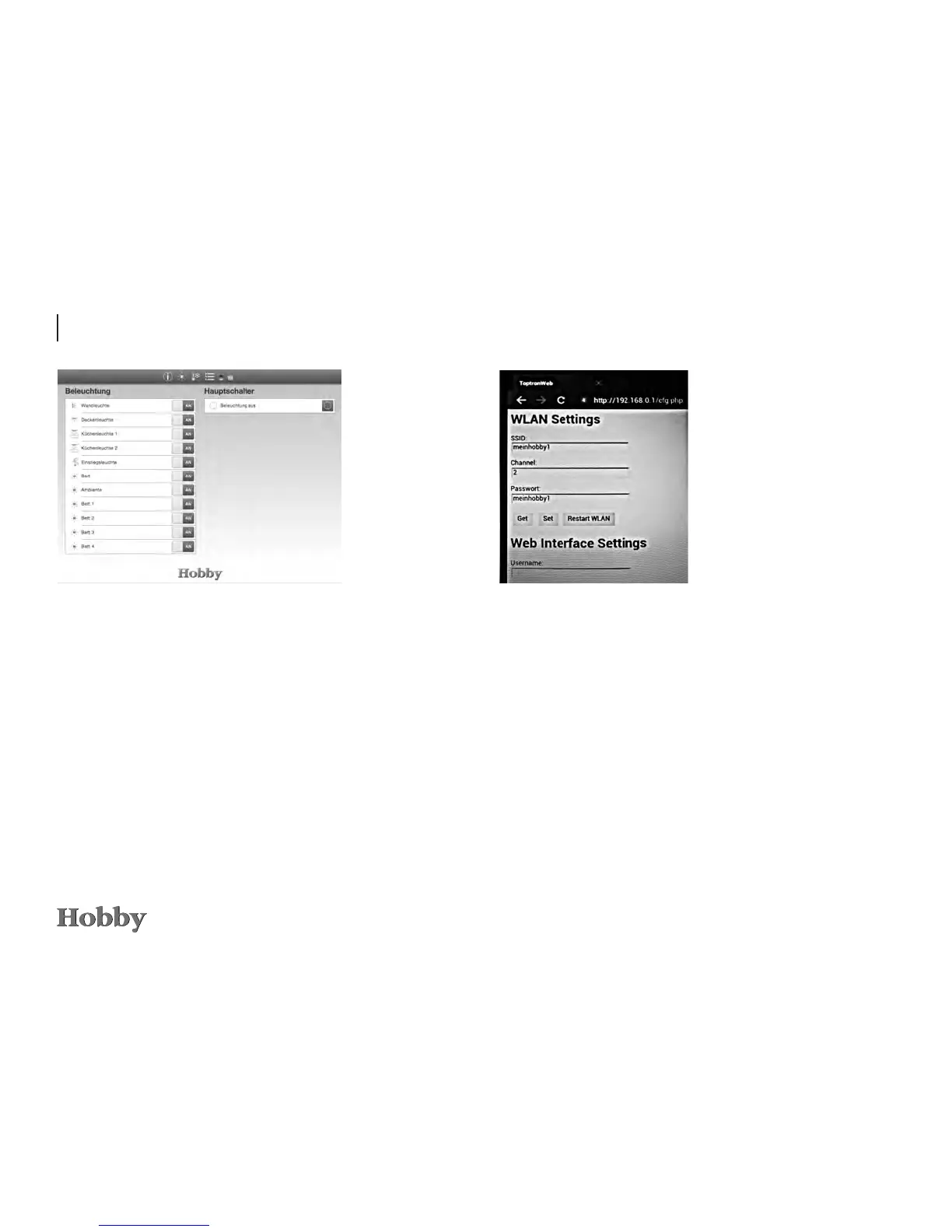
Settings can be called up and changed in the browser on
page 192.168.0.1/cfg.php:
Clickonthe„Get“buttontocallupthesetvalues.
Aftermakinganychanges,thechangedvaluesmustbesaved
byclickingonthe„Set“ button.
Thesechangeswilltakeeectafterapprox.2minutes.
Thenameofthenetworkandthepasswordcanbechanged
here.ThisalsoappliesfortheWebInterfaceSettings.Atpre-
sent,theUMTSandNo-IPsettingsarenotyetsupported;they
haveonlybeenintegratedforfutureapplications.







 To Next Page