46 Operating the Device
General operating the device
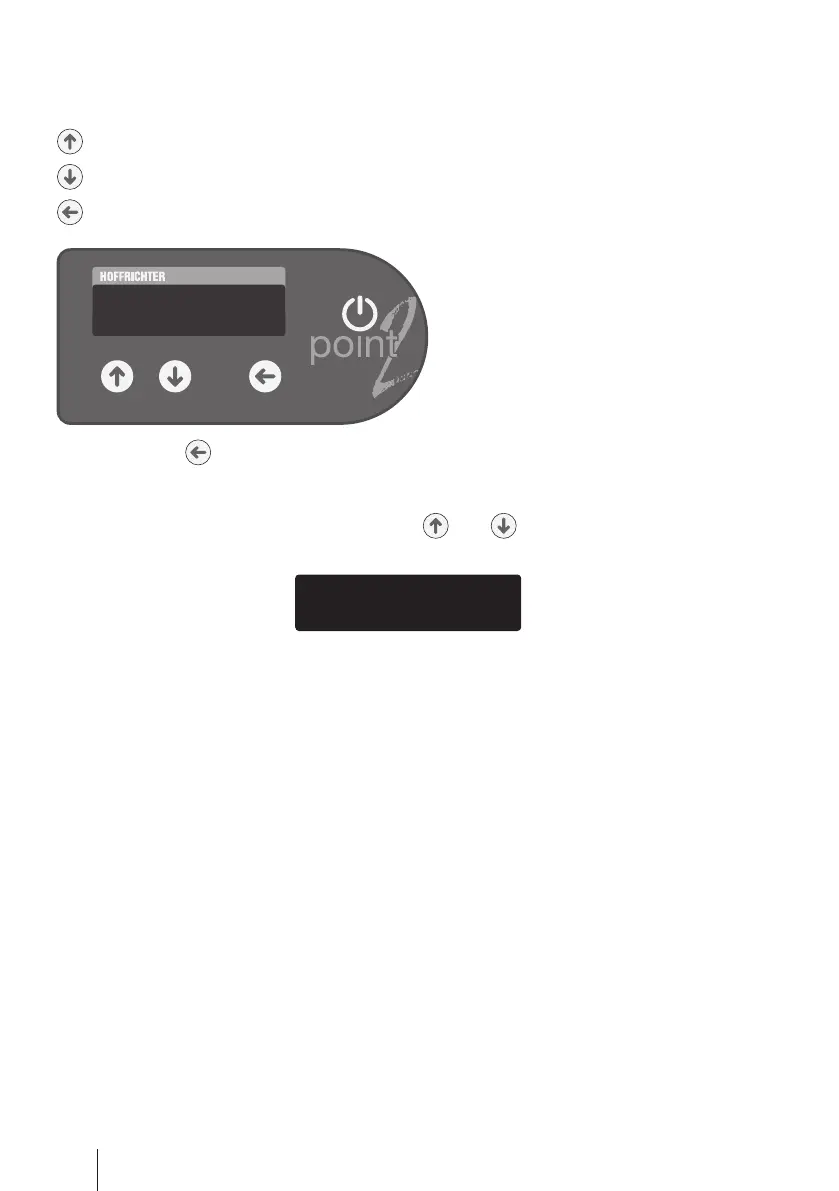
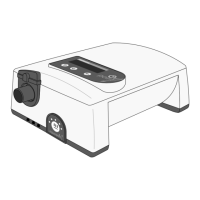
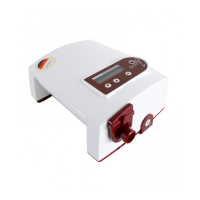
There are three keys for programming point 2‘s functions:
= Selection key
= Selection key
= Enter key
If the enter key is pressed for a prolonged time, you enter the programming mode
and the menu appears on the display.
The device display has two lines. By pressing and you can select the top or bot-
tom row. A triangle symbol
>
in front of a row means that this row has been selected.


 To Next Page