62 Operating the Device
Calibration
Please note:
Calibration guarantees an optimum performance of the automatic function and mask
test. It must be performed when:
• the device is used initially,
• the mask has been changed,
•
there is a change within the therapy system. If a bacterial filter or a humidifier is
added/removed the calibration has to be redone.
Ex factory, the point 2 is pre-calibrated for using with a Cirri Comfort nasal mask (size
M) without humidifier and without bacterial filter.
Calibration is only possible during mains operation not in battery mode. ating the device
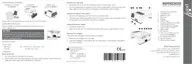
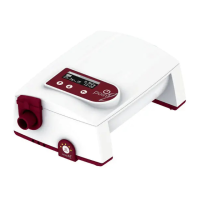
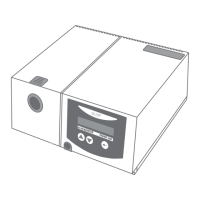
1. Connect the mask, the therapy tube and, if applicable, the humidifier or bacte-
rial filter to the device.
Pleaste note: Ensure that the air and exhalation openings in the mask are clear
and the tube is not kinked. Do not put the mask on.
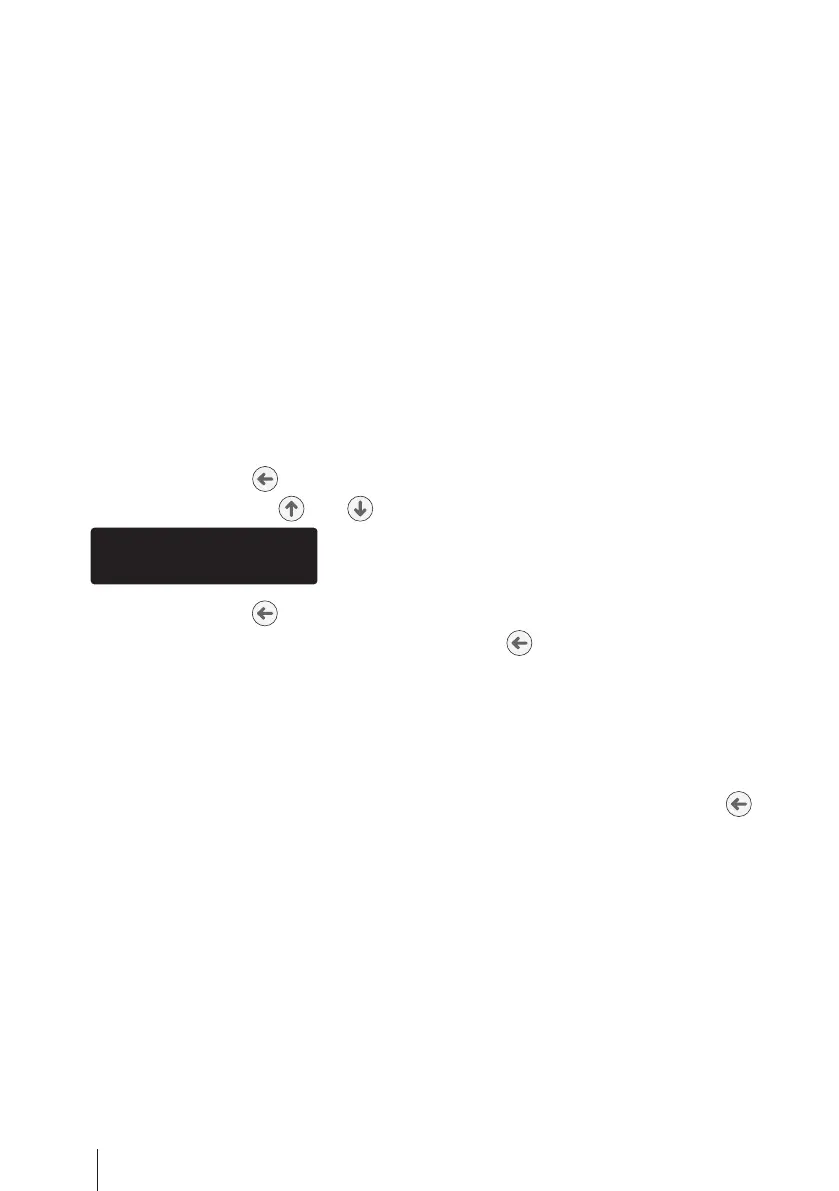
2. Press the enter key for 1 second.
3. Use the selection keys and to select Calibration.
4. Press the enter key .
5. Start appears on the display. Press the enter key . If you do not press the key
within 5 s, the display jumps back (see point 3).
6.
The blower starts and calibration begins. Calibration active appears on the dis-
play. Calibration takes 20 - 70 s. The blower switches off after calibration is finished.
7.
If calibration has been successful,
Successful
appears on the display and if it
has failed, Failed appears on the display.
8.
In both cases press the enter key .
Please note: The old values will be retained if calibration has failed. Start calib-
ration again.


 To Next Page