CTC-CEN Service Manual 07-13 Rev.E
26
Software installation.
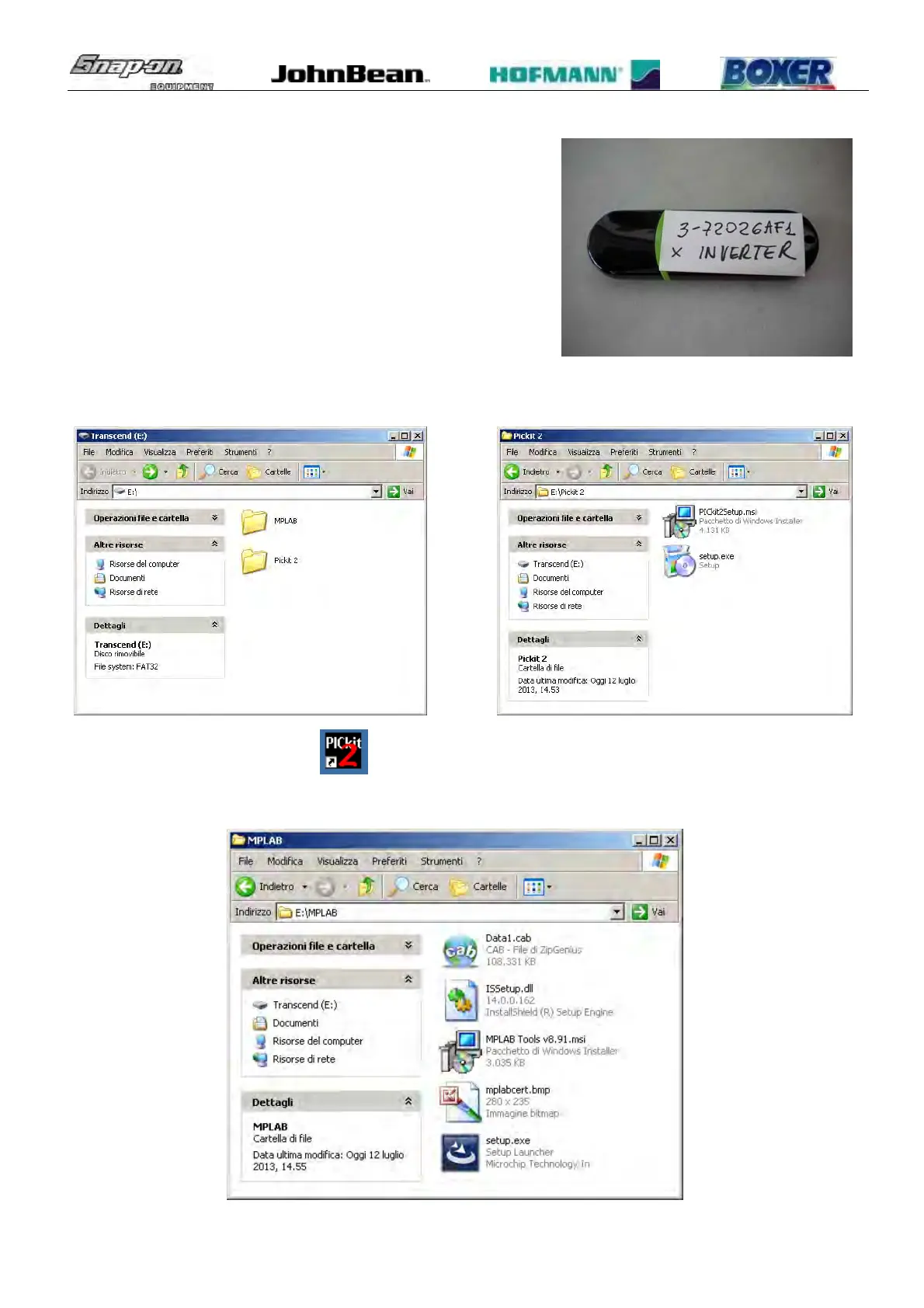
Use the programming software included in the memory stick
inside the kit.
The stick contain 2 different programming software (don’t use
CD):
• Pickit 2 v.2.61 (Quik to install and easy to use)
• MPLAB 8.91 (More complete, but more complex to install
and to use).
a) To install PICkit2 v2.61 open the folder PICkit 2 and start Setup program.
At the end of the installation a icon
will be on the desktop.
b) To install MPLAB 8.91 open the folder MPLAB and start Setup program.



 To Next Page