EasyManua.ls Logo

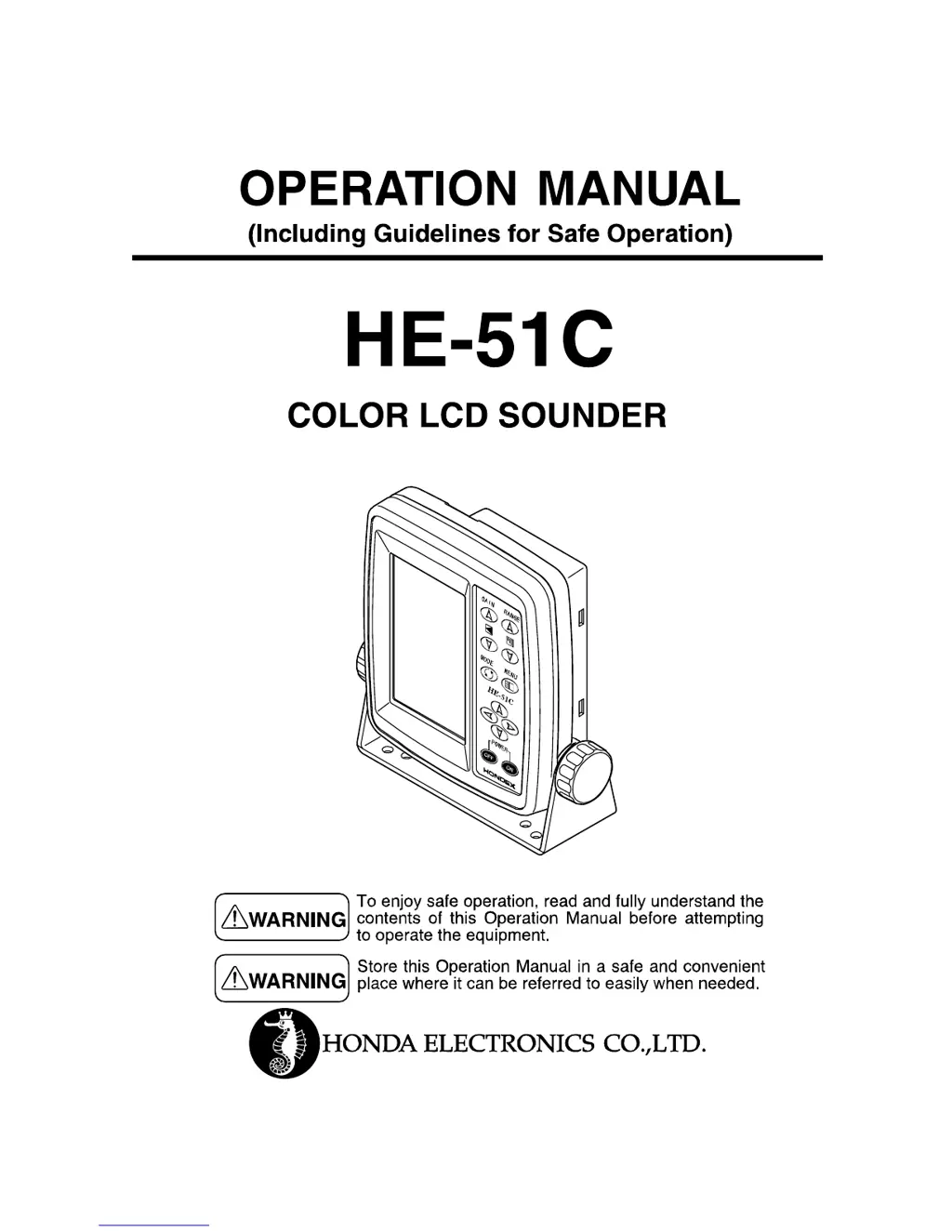
Honda Electronics HE-51C - User Manual

Honda Electronics HE-51C
39 pages
Print Icon
To Next Page IconTo Next Page
Loading...

Questions and Answers

Summary

Caution on Safety

Handling of Unit

Important cautions for safe handling of the fish finder unit to prevent damage or injury.

Handling of Cables

Guidelines for safe handling and connection of cables to prevent hazards.

Transducer and Water Temperature Sensor Handling

Precautions for transducer and sensor installation/maintenance.

TFT LCD Panel Information

Information about the TFT LCD panel technology.

Caution on Operation

Critical operating precautions, including power supply and cleaning methods.

General Information of Fish Finder

Theory of Fish Finder

How the fish finder works using ultrasonic pulses.

Distinguishing Fish Schools

Interpreting fish school displays and factors affecting them.

Distinguishing Fish Volume

Determining fish volume based on echo strength and display size.

Distinguishing Bottom Nature

Interpreting bottom type from image thickness and second reflection.

Features of Unit

Installation

Installation of Unit

Instructions for mounting the main display unit securely and correctly.

Installation of Transducer

Guidance on properly installing the transducer for optimal performance.

Installation of Water Temp. Sensor (Option)

Instructions for installing the optional water temperature sensor.

Putting the Sun Shield

Method for attaching and removing the sun shield for display protection.

Putting the Batteries

Operation Keys and Display Overview

Operation of Unit

Basic Operation

Covers power on/off procedures and battery indicator.

To Adjust the Depth

Manual adjustment of the display depth range using specific keys.

To Adjust the Sensitivity

Manual adjustment of the unit's sensitivity using gain keys.

To Change the Expansion Mode

Details on switching between different display expansion modes.

To Use as Lantern (Lantern Mode)

How to use the display's backlight as a light source.

Language Select

Procedure for selecting the user interface language.

To Set Functions on Menu

Guide to navigating and using the menu system.

Brightness and Sweep Speed Settings

Adjust screen brightness and display sweep speed.

Pixel Size, Auto Gain, Auto Range Settings

Configure pixel size, auto gain, and auto range settings.

Fish Alarm, Fish Mark, A-Mode Settings

Configure fish alarm, fish mark, and A-mode settings.

Display Configuration Settings

Set color, background, clutter, and depth digit readout.

Bottom Nature Distinction & Expansion Rate

Configure bottom nature distinction and expansion rate.

Scale Line & Depth Marker Settings

Configure scale line and depth marker settings.

Water Temp. Graph

Display water temperature graph.

Water Temp. Alarm

Set water temperature alarms.

Depth Alarm

Set depth alarms.

Battery Alarm & Unit Settings

Configure battery alarm and change temp/depth units.

Water Temp. Correction & Auto Range Max. Depth

Correct temperature readings and set max depth for auto range.

Clean Echo & Pulse Length Settings

Reduce noise and adjust pulse length for better resolution.

Keel Offset & Simulation Settings

Set keel offset and activate simulation mode.

System Reset

Reset unit to factory settings.

Options

Specifications

Trouble Shooting

Dimension Drawing

Honda Electronics HE-51C Specifications

General IconGeneral
BrandHonda Electronics
ModelHE-51C
CategoryMarine Equipment
LanguageEnglish