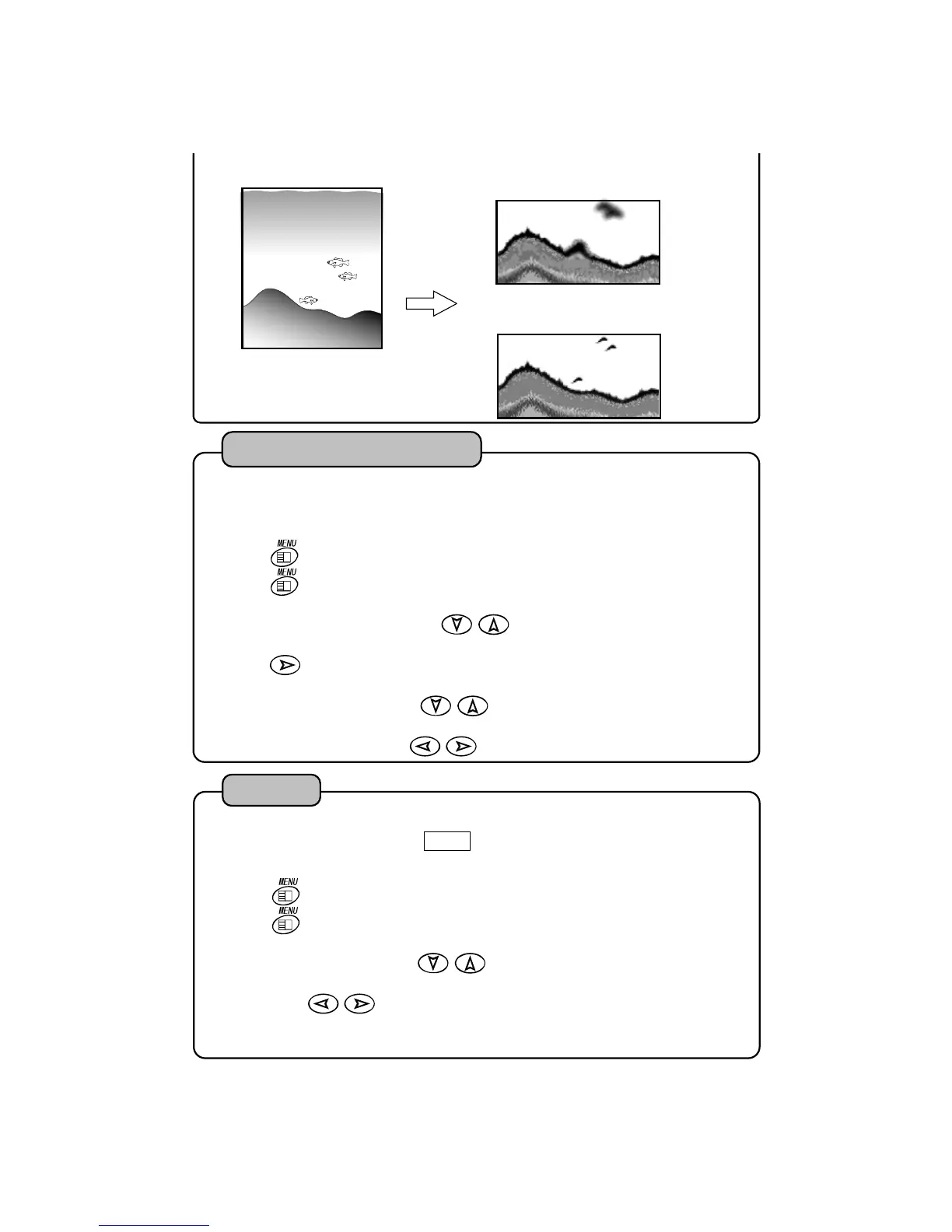
[Short pulse length]
Closed objects can be distinguished.
[Long pulse length]
Closed objects look like one object.
For example, this case
2
3
4
Press
key. “MENU 1” is shown.
Press
key for more than 2 seconds.
“MENU 2” is shown.
Select “OTHER SETTING” with
of cross key.
Press
key. “OTHER SETTING” is shown.
Select “KEEL OFFSET” with
of cross key.
.
Set value of keel offset with
key.
1
It enables to set with the draft value of boat when you want to indicate the depth from se
:Keel Offset
2
Press
key. “MENU 1” is shown.
Press
key for more than 2 seconds.
“MENU 2” is shown.
Select “SIMULATION” with
of cross key.
Select with
key.
OFF:
Simulation display is canceled.
ON :Simulation display is shown.
1
Simulation display is shown.
When simulation display is shown, DEMO is indicated on lower left of screen.
SIMULATION : OFF ON
Simulation
28


 To Next Page