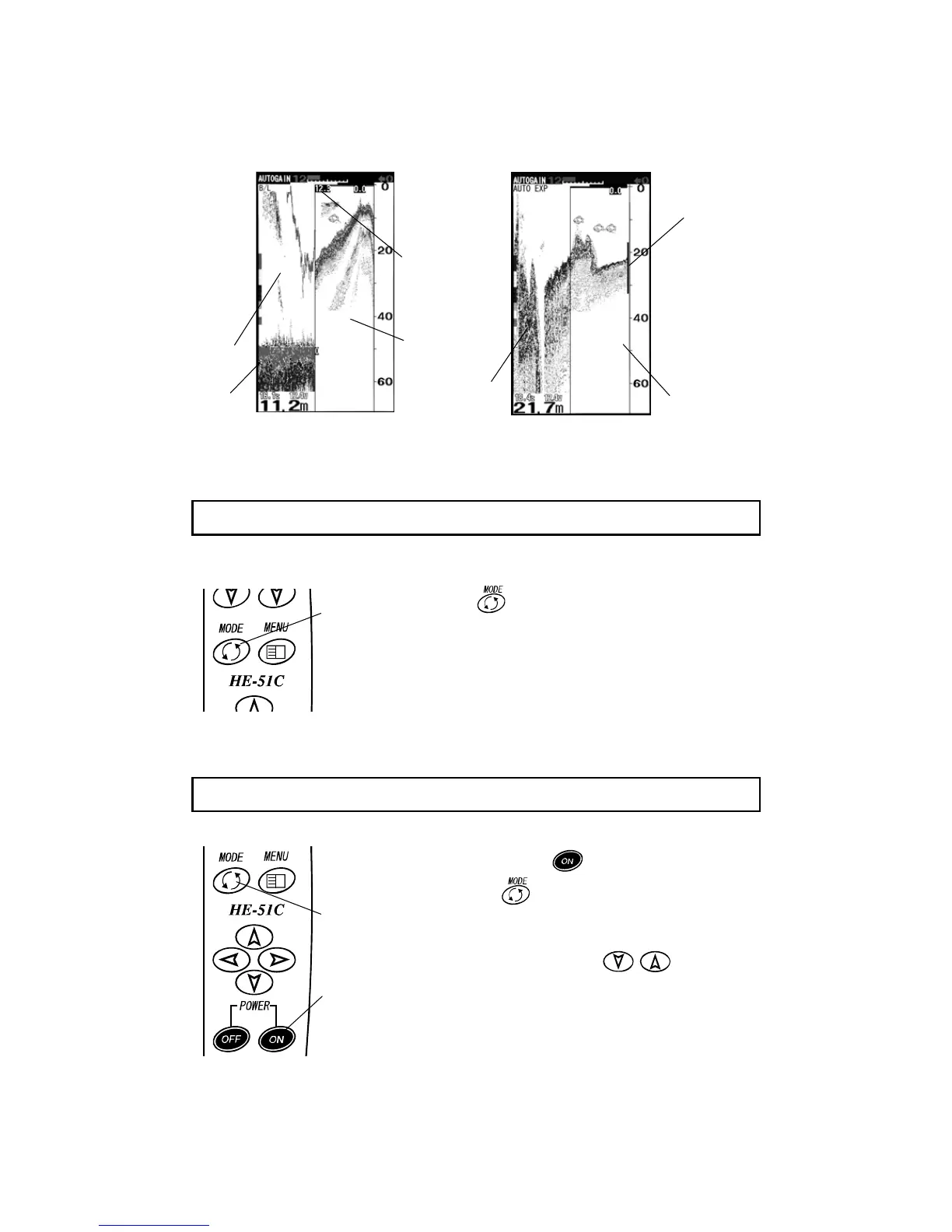
ormal Image
※ You can select 2 times, 4 times or 8 times expansion rate. (→page 22)
You can use display (back light) as lighting.
1 Press key for more than 2 seconds on normal
image.
2 Whole of screen lights in white.
3 It returns to normal image pressing any key.
You can select language. Please proceed to select.
1 When you press key for a long time while
pressing
key, “Language select” menu is
shown.
2 Select “Language” with key of cross
key.
3 Language is set when you press menu key.
7-1-5. To use as lantern (Lantern mode)
7-1-6. Language select
ON key
Mode key
Press Mode
key for more
than 2 seconds


 To Next Page