Playing Back Recorded Video
9
3 Playing Back Recorded Video
This chapter contains the following sections:
• Overview of the Playback Interface, page 9
• Playing Back Recorded Video, page 11
• Downloading Recorded Video, page 11
• Viewing Snapshots, page 12
Overview of the Playback Interface
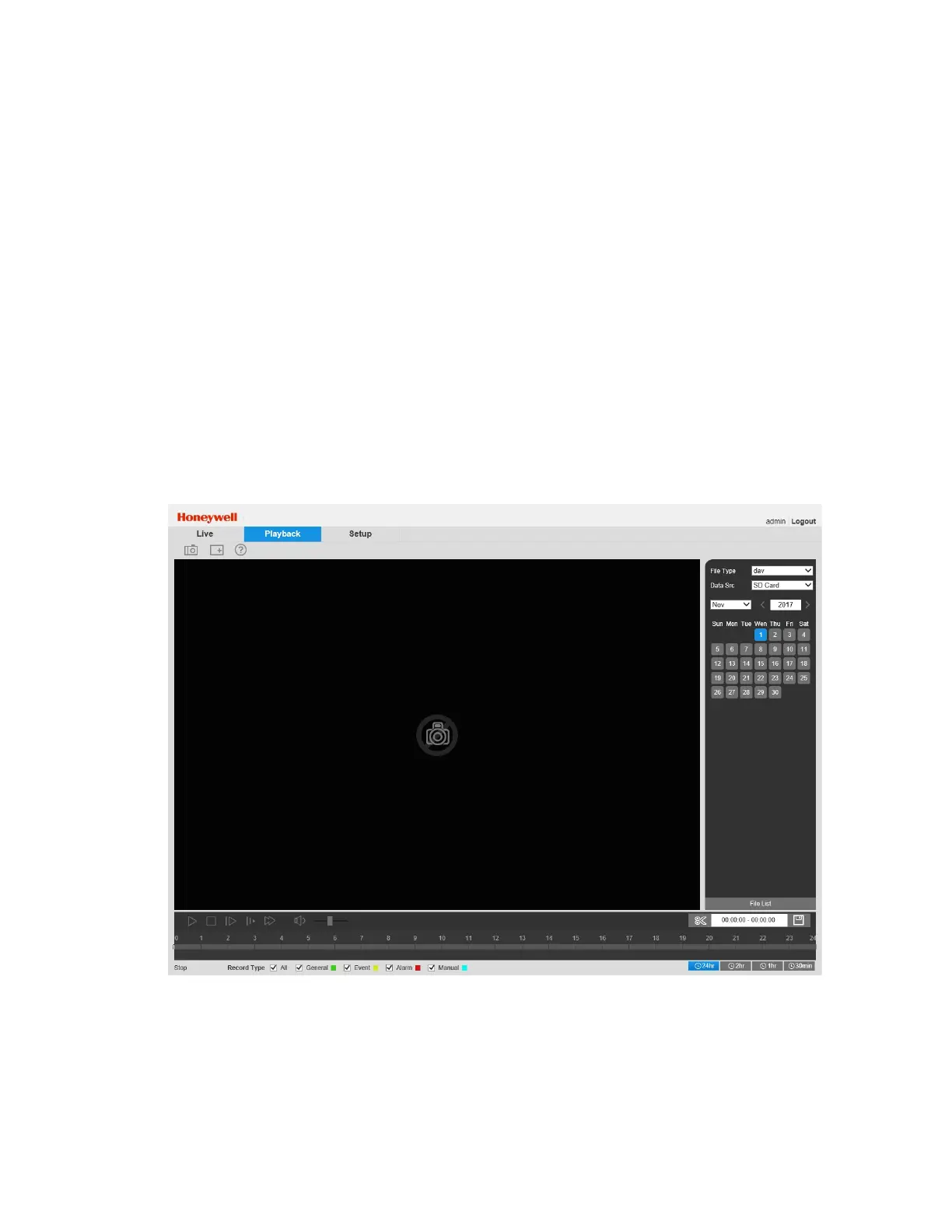
The following figure shows the layout of the web client’s Playback interface.
Figure 3-1 Playback Interface
Playback Controls
The playback controls are located in the lower left corner of the screen, immediately below the
video window. For instructions on how to play back video, see Playing Back Recorded Video on
page 9.



 To Next Page
 Loading...



