Configuring Video and Audio Settings
21
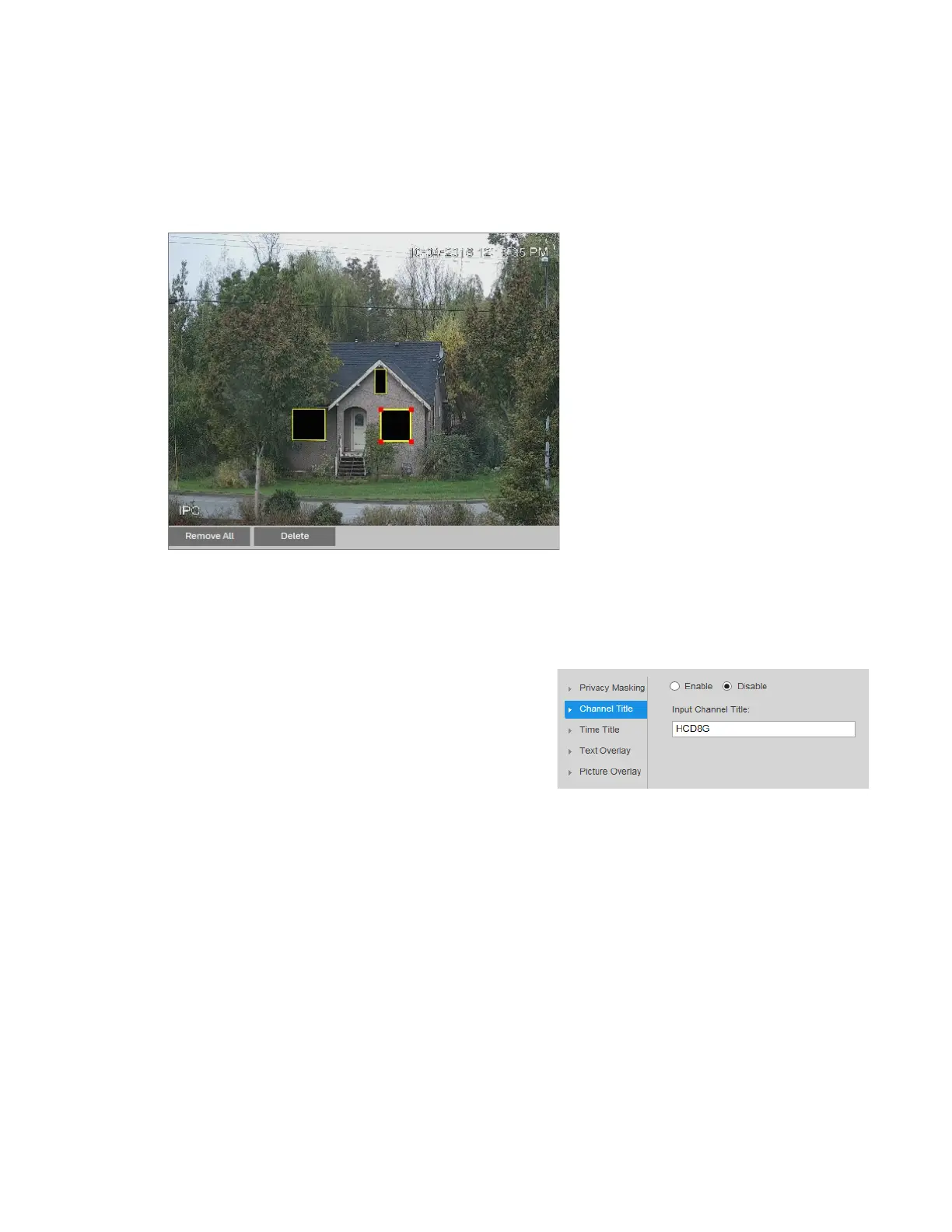
Delete any masks that you don’t need. To delete a mask, right-click it or select it and then
click Delete. To remove all the masks, click Remove All.
To move a mask, select it and drag the center of the mask.
To resize a mask, drag one of the corner handles. To draw a new mask, drag your mouse
anywhere in the preview window.
Click Save to apply the settings.
Configuring the Channel Title
You can configure the channel title
properties on
the Setup
Compression
Setup
Overlay
Channel Title page.
To display the channel title, click Enable, and
then click Save. By default, the channel title
appears in the lower left corner of the video
image.
To move the channel title, drag the yellow
Channel Title box to the desired location in the
preview window, and then click Save.
To modify the channel title, enter the new title in the Input Channel Title field, and then click
Save.
To hide the channel title, click Disable, and then click Save.



 To Next Page
 Loading...



