2MP/4MP Low Light WDR IP Camera User Guide
54
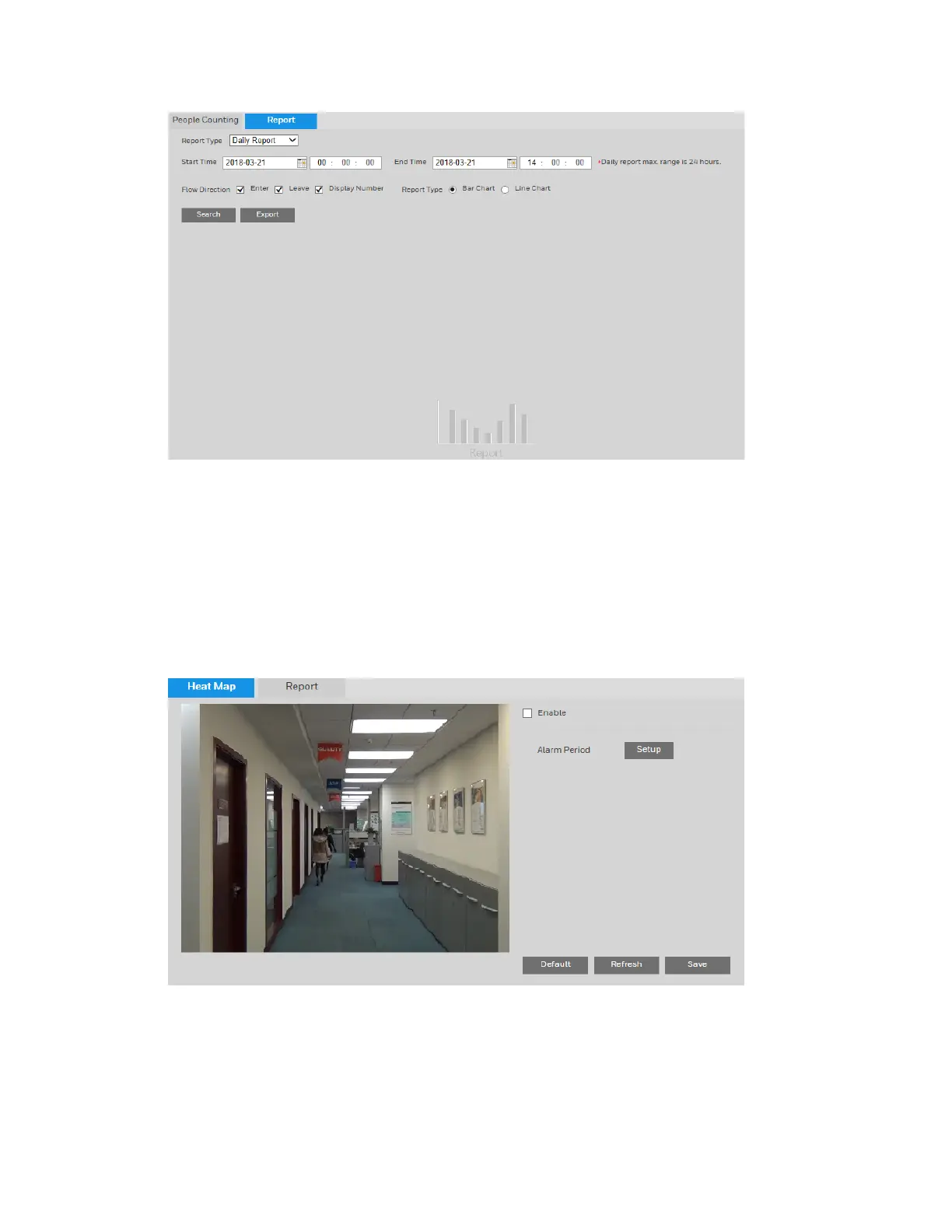
To run a report, select the report type and set the criteria as needed. Click Search and the
report will be displayed.
To export the report, click Export.
Configuring Heat Map Events
You can configure IVS analysis event settings on the Setup Onboard Video Analytics
Heat Map page.
To enable heat map:
1.
Select the Enable check box.
2.
Next to Alarm Period, click Setup. The Alarm Period window opens. Set the days and times
when you want the alarm function to be active, and then click Save.
Click Save to apply the settings.



 To Next Page
 Loading...



