Configuring System Settings
63
5. In Update Period field, enter the interval at which you want the camera’s date and time
to synchronize with the NTP server. You can enter a value between 0 and 30.
6. Click Save to apply the settings.
Configuring Account Settings
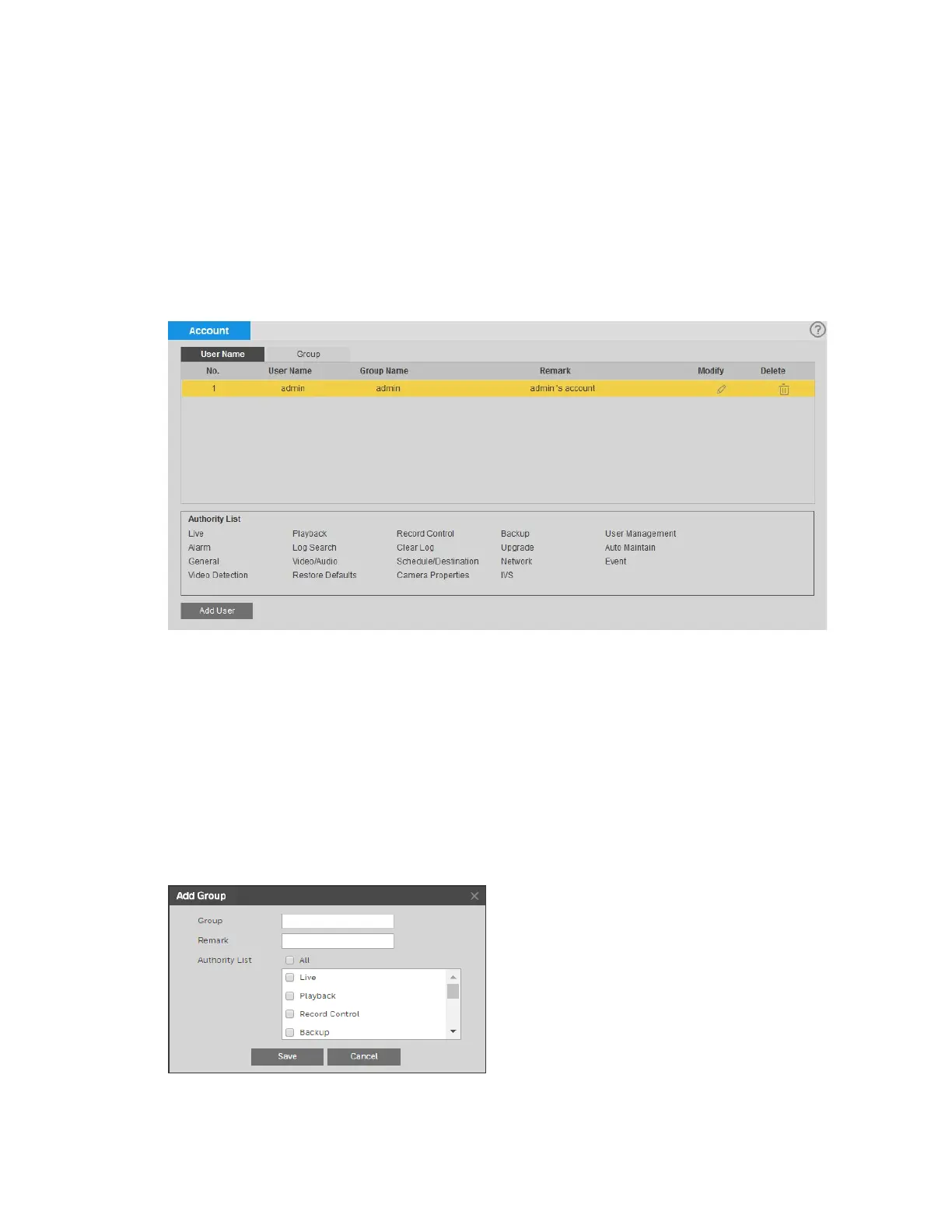
You can manage user accounts and permissions on the Setup System Setup Account
page.
Managing Groups
By default, there are two categories or “groups” of users: admin and user. If you want, you can
create additional custom groups.
Creating a Group
You can create a new custom group and assign permissions to it.
To create a group:
1. On the Group tab, click Add Group to open the Add Group window.
2. Enter a name for the group in the Group field.



 To Next Page
 Loading...



