HUS-D4-E-Pro User Guide
10
Power Up and Operations
• “Windows Firewall” must be turned off.
• “Windows Update” service must be stopped.
After powering up, the following window is displayed.
Figure 3-3 Power Up
If there is video displaying while decoder is turned
off, the decoder would continue to display the real-
time video after restarting.
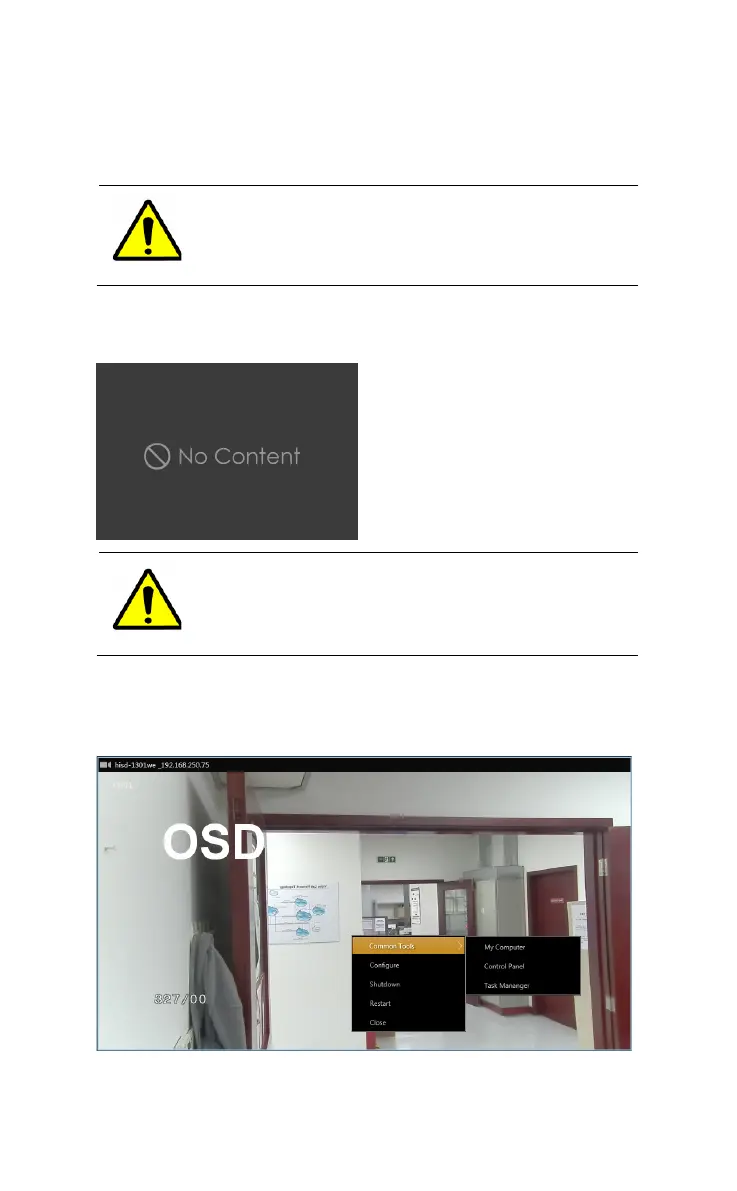
Right click on the window of the HUS-D4-E-Pro and the following
menu is displayed.
Figure 3-4 Menu



 To Next Page