HUS-D4-E-Pro User Guide
18
5 HUS Data Management Center
HUS-D4-E-Pro Configuration
Before operating the HUS-D4-E-Pro in HUS Client, configure it in
HUS Data Management Center. Perform the following tasks:
• Adding device (see page 19).
• Adding the decoder to device view (see page 22).
Login
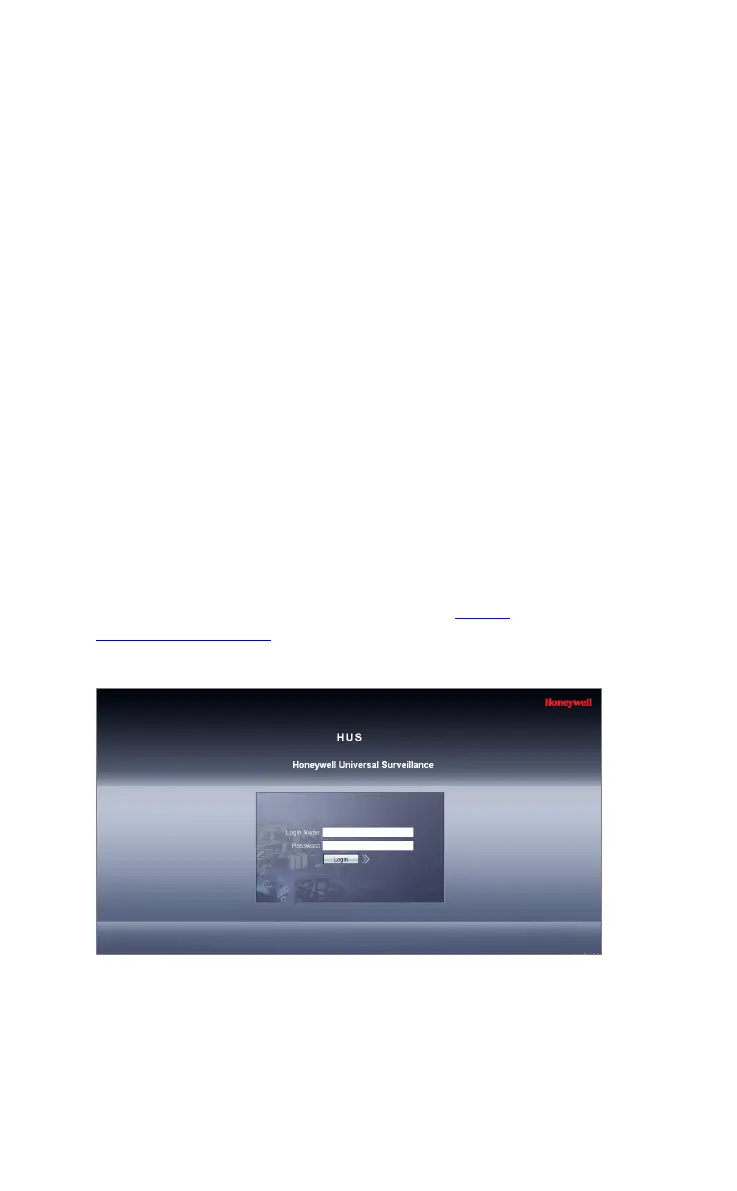
Enter the IP address of HUS Data Management Center in the
Internet Explorer address bar (for example, http://
192.168.0.1/Hussite). Login page is displayed.
Figure 5-1 Login
Enter user name and password. Click Login and the following
figure is displayed.



 To Next Page