HUS Data Management Center
19
For the first login, please use the default Login
Name “admin” and password “11111111”.
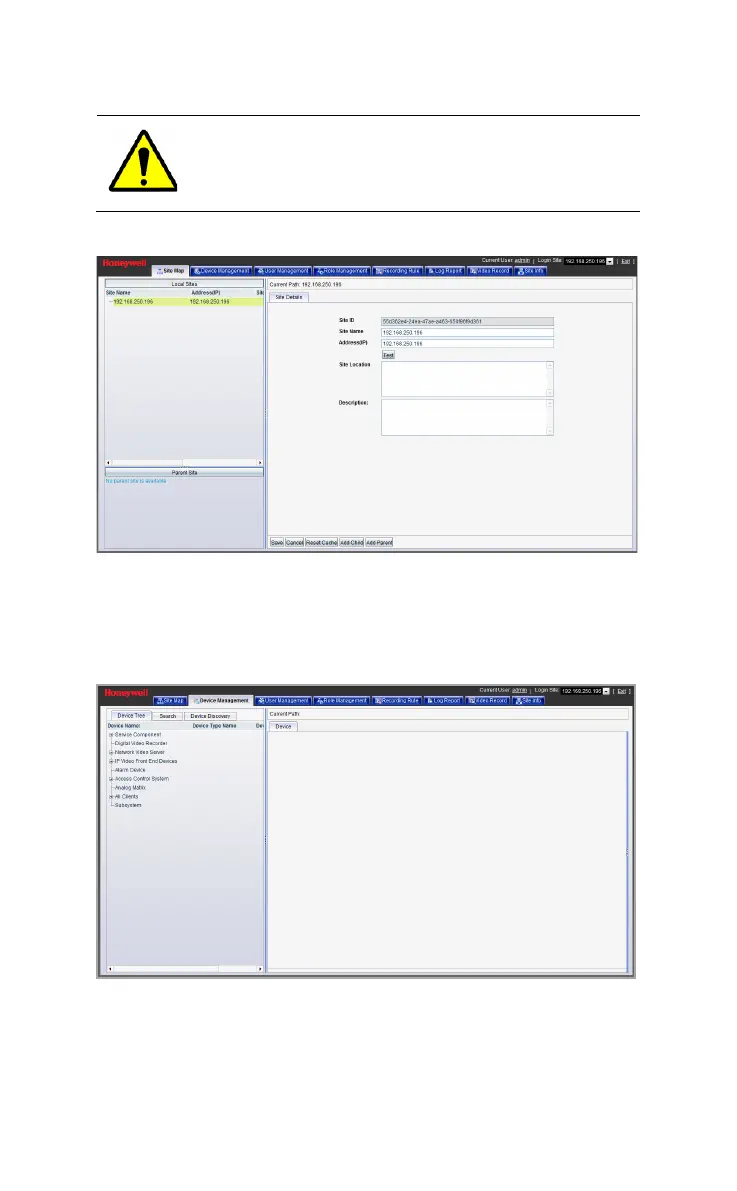
Figure 5-2 HUS Data Management Center
Adding Device
Click Device Management and the following window is displayed.
Figure 5-3 Device Management
Select “IP Video Front End Devices” from the device tree and the
following window is displayed.



 To Next Page