HUS-D4-E-Pro Client
13
HUS-D4-E-Pro Settings
HUS-D4-E-Pro settings include “System Configuration”, “Basic
Configuration” and “User Management”.
System Configuration
System Configuration displays “Status”, “Network Setting” and
“Date/ Time”.
Status
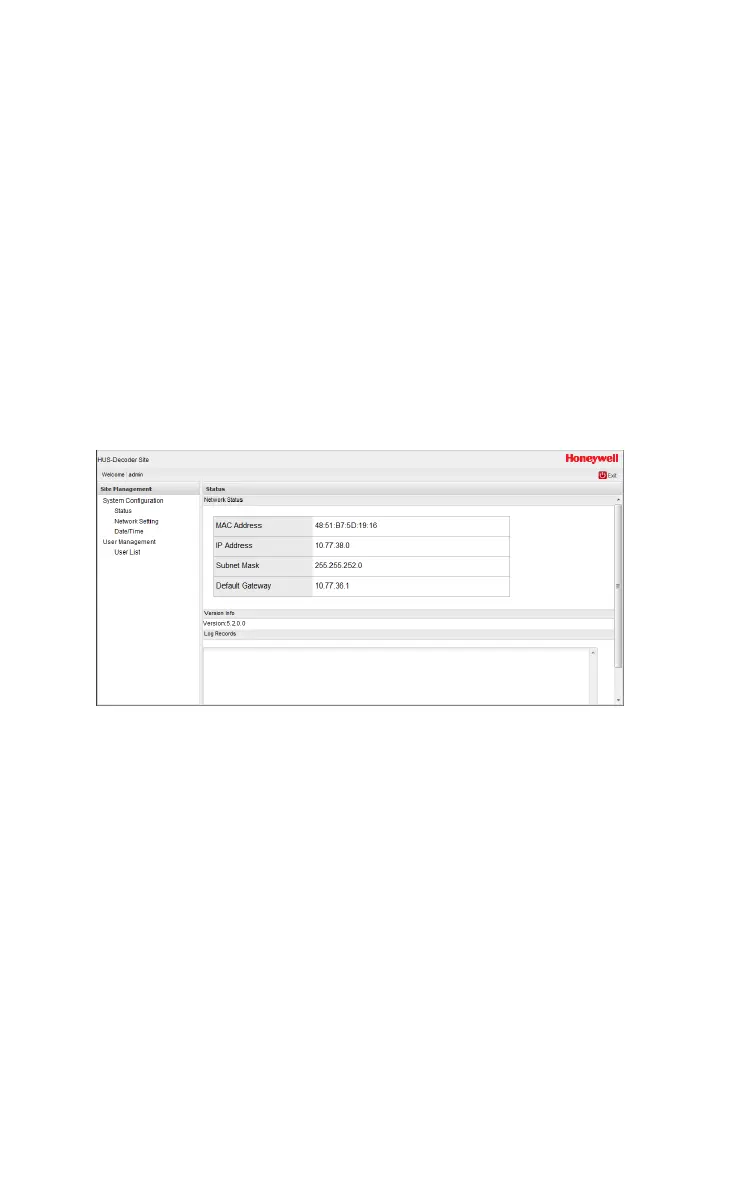
“Status” includes Network Status, Version Info and Log Records.
Figure 4-2 Status
Network Status: Display MAC address, IP address, Subnet Mask
and Default Gateway. The last three options can be configured in
Network Setting (see Figure 4-3).
Version Info: Display version information.
Log Records: Display all the operations and alarm records.
Network Settings
There are two network connecting methods: Static IP and DHCP.



 To Next Page