HUS-D4-E-Pro User Guide
28
6 HUS Client
Before operating the decoder in HUS Client, make
sure that the EC service of HUS-VMS which
connects to the HUS Client and the HUS-D4-E-Pro
is started.
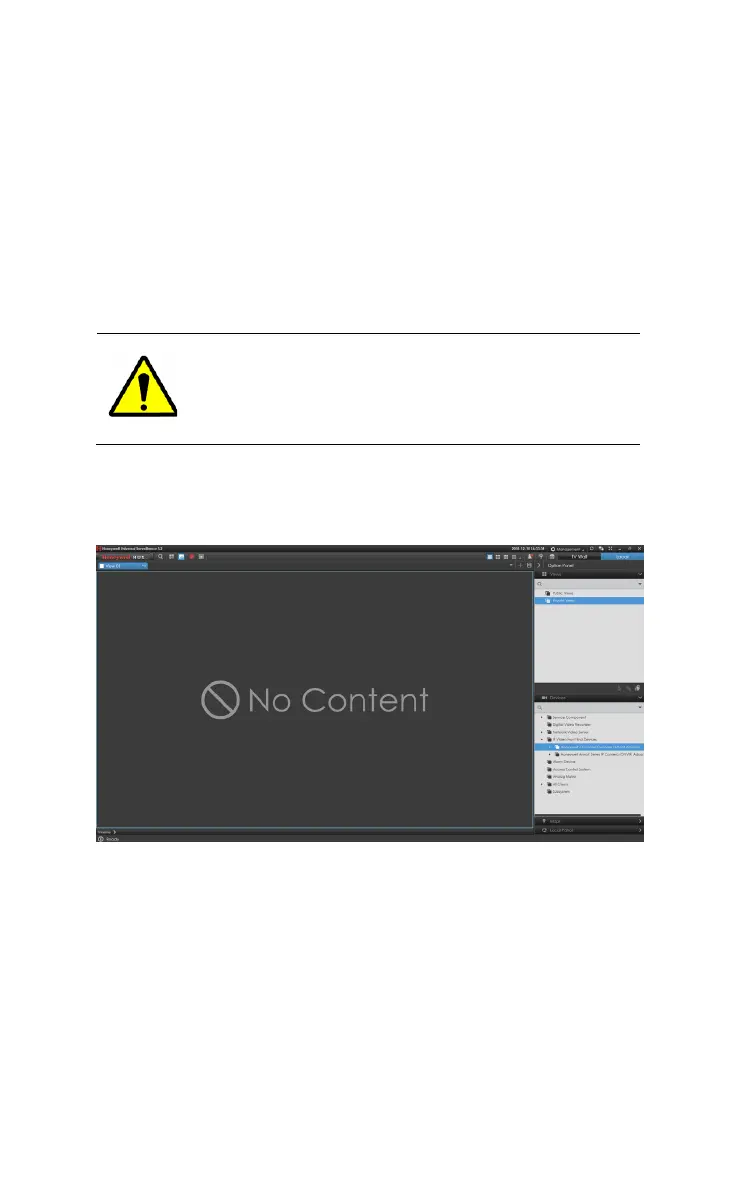
Log in HUS Client. In the “Devices” list, it displays all decoders
that have been added, as shown in the following figure.
Figure 6-1 HUS Client
For detailed HUS-D4-Pro operations in HUS Client, such as
views (video, map and alarm list), switching views, TV-Wall
patrol, switching window layouts and etc., refer to the
instructions in “HUS-Honeywell Total IP Security Solution HUS
Client User Guide”.
Status of HUS-D4-E-Pro: online and offline.



 To Next Page