HUS-D4-E-Pro User Guide
24
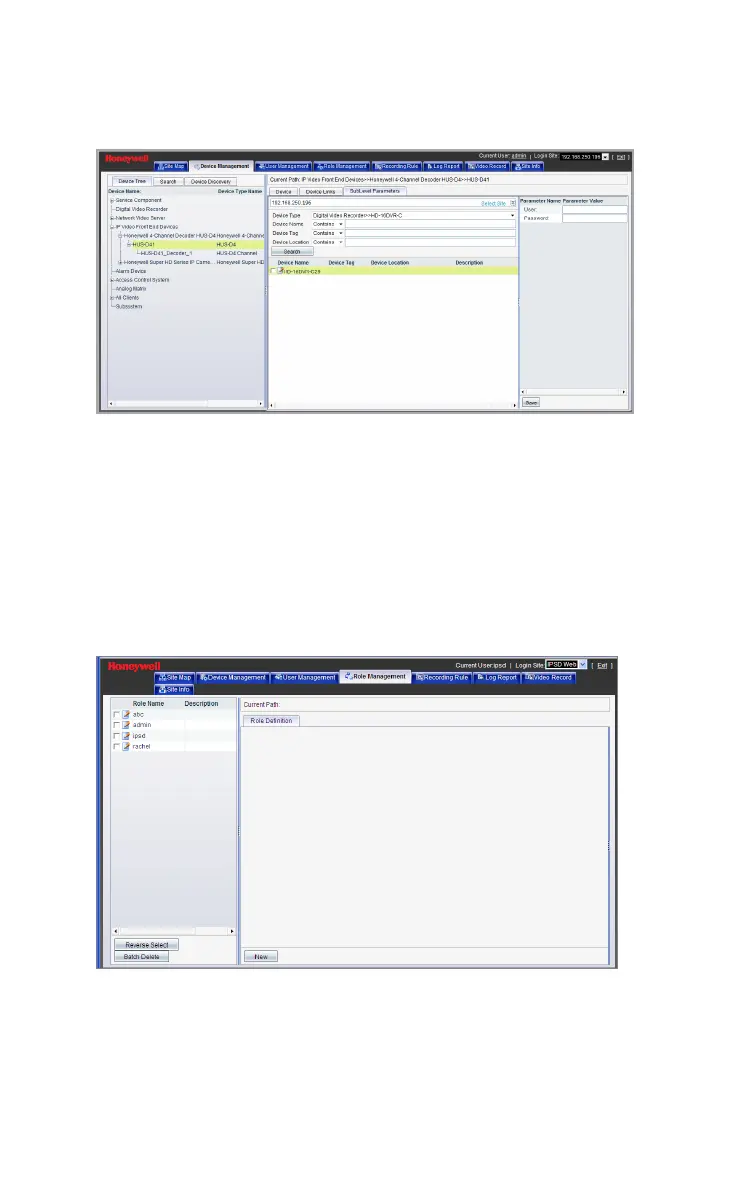
Figure 5-12 Set User name & Password
Set the User name and Password in the right pane. Then click
Save.
Adding the Decoder to Device View
Decoder should be added to the “device view” of a role before the
user with that role can view the decoder in HUS Client.
Click Role Management and the following window is displayed.
Figure 5-13 Role Management
Click the role name from the left pane (for example, admin), and
the following window is displayed.



 To Next Page