Keyboard Operations
33
Monitor No.
Pause all the live videos
on the specified monitor.
Monitor No. is from 1 to 4.
Pause all the live videos
on the HUS-D4-E-Pro.
After entering the window selecting mode by pressing ,
perform one of the following operations to select the window:
• Move the joystick left, right, up or down.
• Press the left arrow key, right arrow key, forward key or
backward key of the touch pad and ring.
If the border of the window is blue, the window is in live video
mode. If the border of the window is yellow, the window is in
playback mode.
Live Video Control
The following operations are only applicable in live video mode:
Table 7-3 Operations (Live Video)
Operation Function
Move the joystick left, right, up or
down.
The camera moves left, right,
up or down.
Rotate the joystick clockwise or
counterclockwise.
Clockwise: Zoom in.
Counterclockwise: Zoom out.
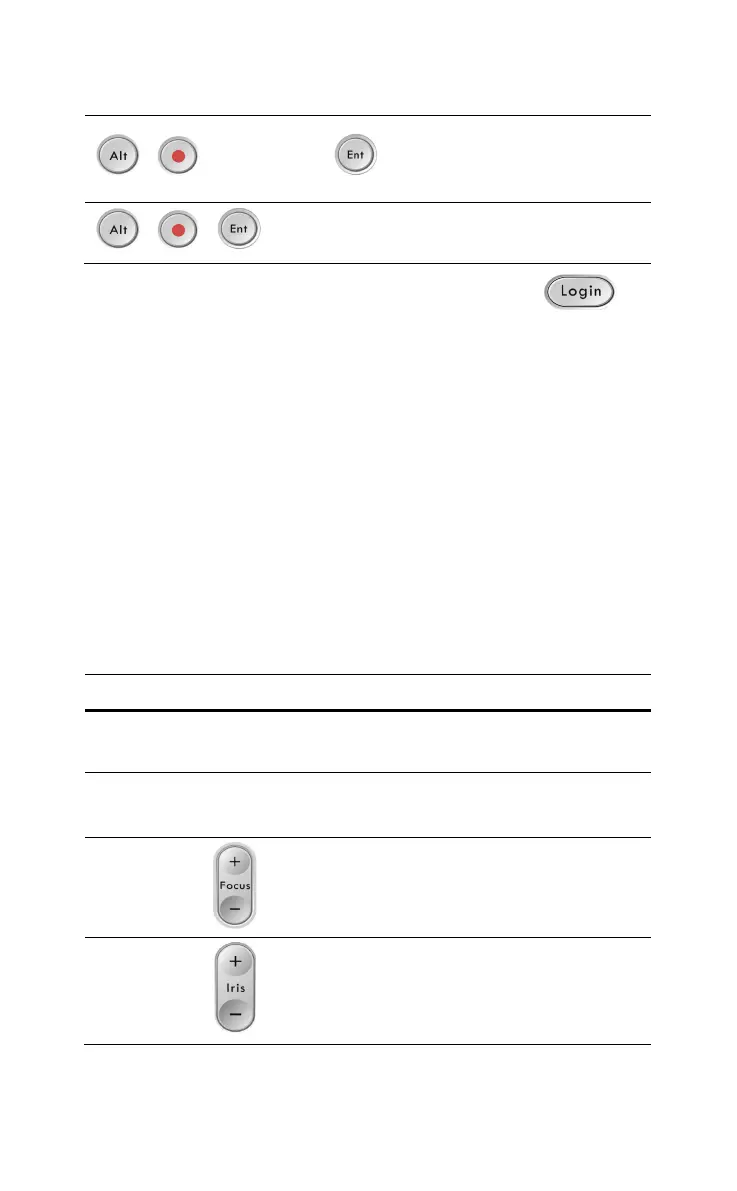
Focus+: Increase the focus.
Focus-: Decrease the focus.
Iris+: Increase the iris.
Iris-: Decrease the iris.



 To Next Page