HUS-D4-E-Pro Client
15
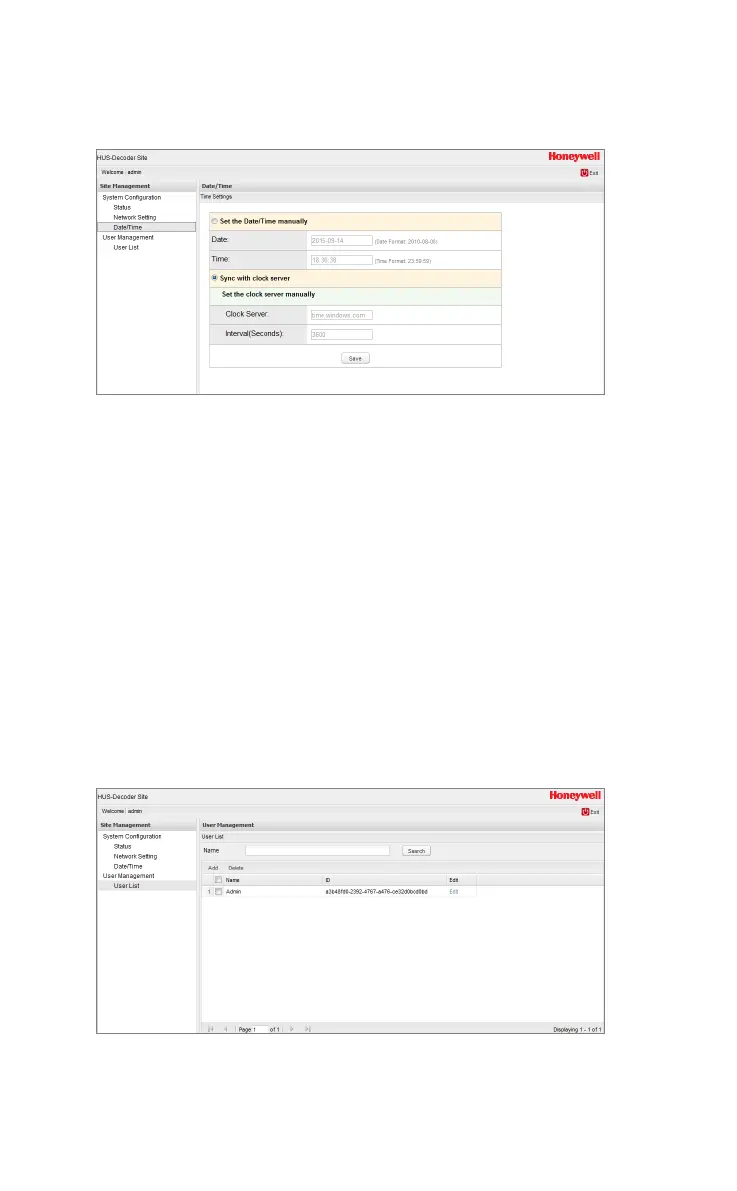
Figure 4-4 Date/Time
Set the Date/Time Manually: Enter time and date manually and
click Save.
Sync with the clock server:
Enter the IP address of the clock server and interval. “Interval”
indicates the time interval for checking the date and time
synchronization and the unit is “second”.
User Management
“User Management” page contains detailed information of users.
User List
To add, delete, edit or search the user’s information, select User
Management
User List.
Figure 4-5 User List
Input user name and click Search. User’s information is
displayed after searching.



 To Next Page