HUS-D4-E-Pro User Guide
32
Video Control
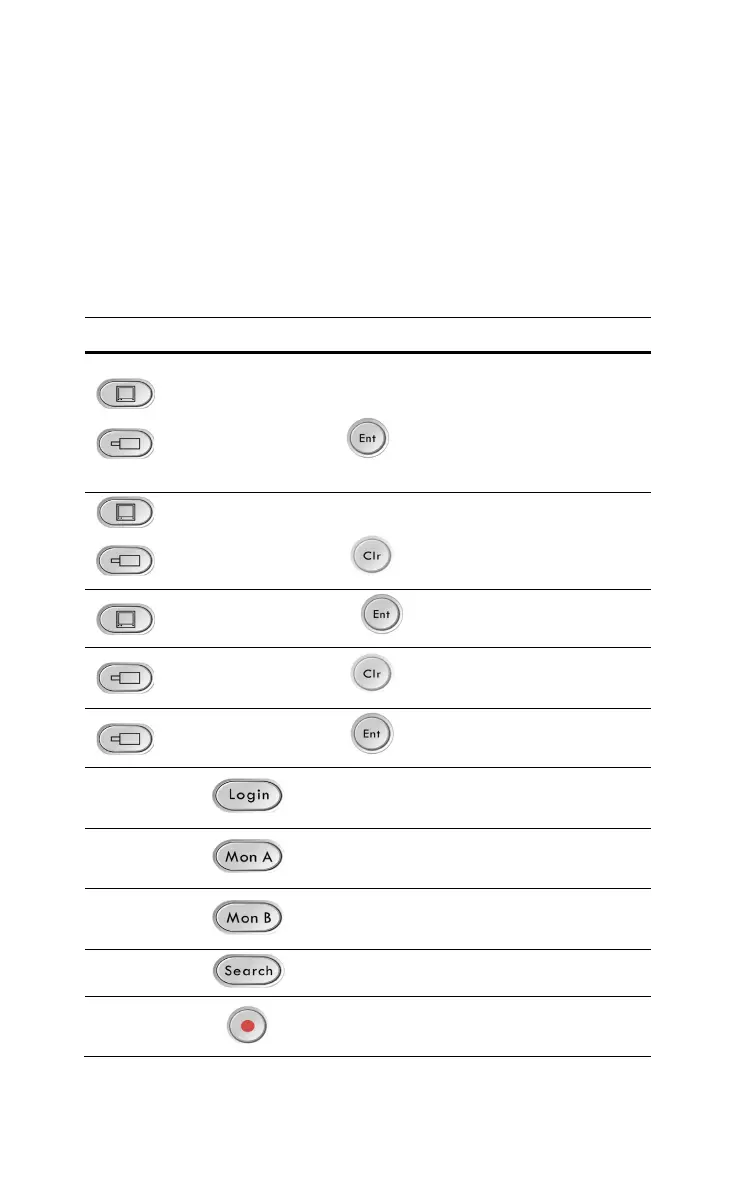
Refer to the following table for controlling the video with the
keyboard (refer to “Keyboard Console” in “HUS-Honeywell Total IP
Security Solution HUS Client User Guide” for operations about
“Window Layout Switch”).
Table 7-2 Operations
Operation Function
Switch ID (decoder)
Switch ID (camera)
Assign live video of the
camera to the specified
window. Refer to Figure
5-6 for switch ID of the
decoder.
Switch ID (decoder)
Switch ID (camera)
Assign the recorded video
of the camera to the
specified window.
Switch ID (decoder)
Select the window.
Switch ID (camera)
Select the recorded video
of the specified camera.
Switch ID (camera)
Select the camera.
Switch to the window
selecting mode.
Switch to the live video
mode.
Switch to the playback
mode.
Show/hide the timeline.
Pause the live video of the
specified window.



 To Next Page