HUS Data Management Center
21
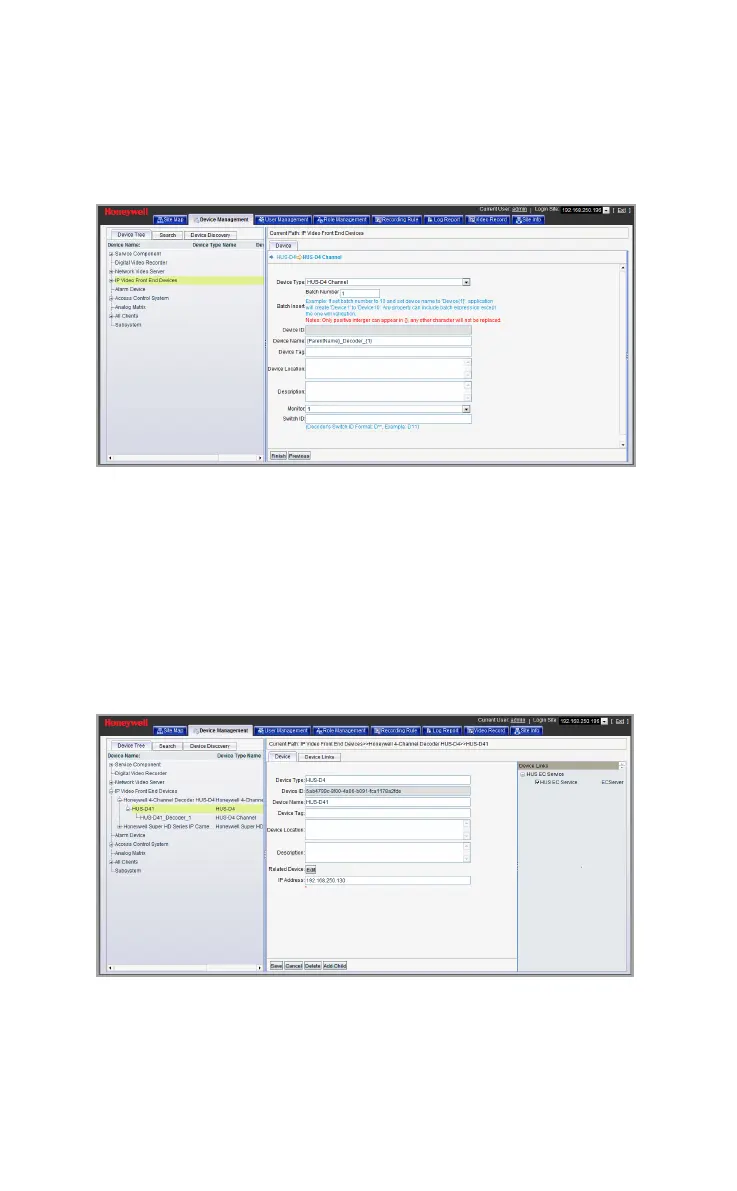
Click NEXT to create the decoder channel and the following
window is displayed.
Figure 5-6 Create Decoder Channel
Device name: Enter the device name
HUS-EC Service: Select the EC Service
Monitor: Enter the Monitor number (integer 1 to 4)
Channel: Enter the channel number
Switch ID: Enter the Switch ID of the current channel
Click Finish to complete the configuration (see Figure 5-7).
Figure 5-7 Adding the Device Completed



 To Next Page