HUS-D4-E-Pro User Guide
12
4 HUS-D4-E-Pro Client
Login
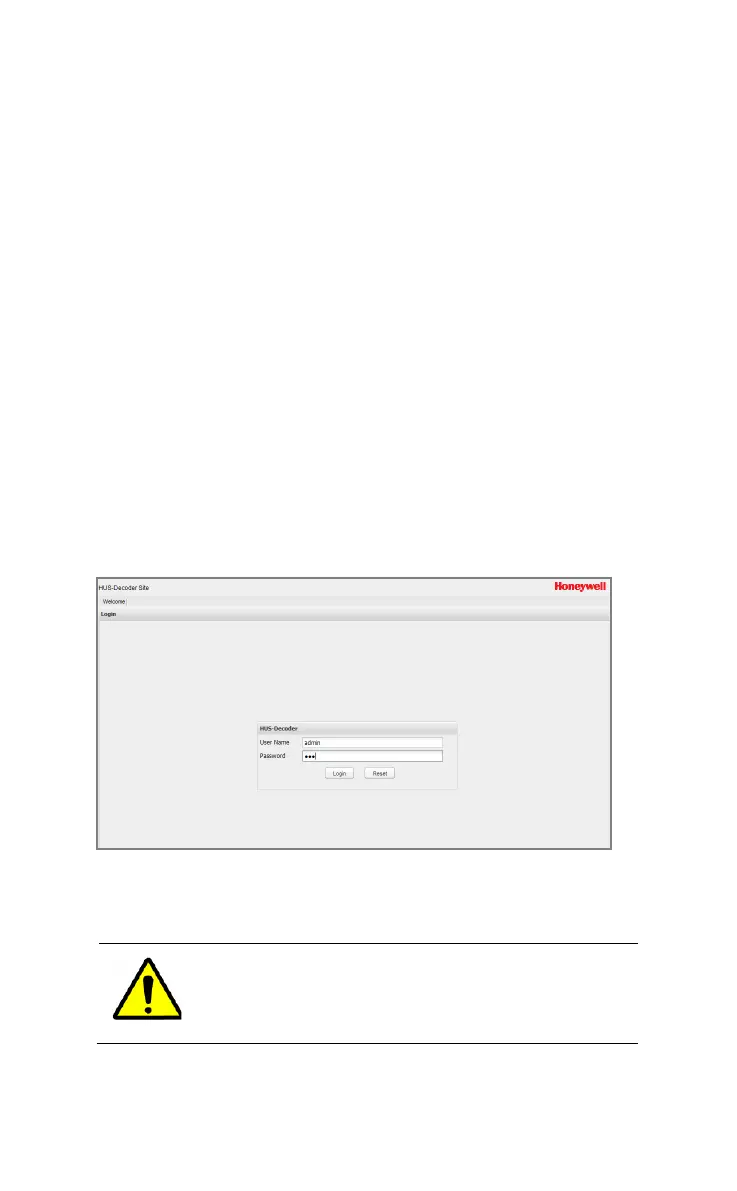
Enter the IP address and port number (if the IP address is
159.99.251.9, then input http:// 159.99.251.9:8080) of HUS-D4-
E-Pro in the Internet Explorer address bar (Internet Explorer 8.0,
Internet Explorer 9.0; Internet Explorer 10.0, Internet Explorer
11.0. Internet Explorer 11.0 is recommended). The login page of
the decoder is displayed (see Figure 4-1).
Figure 4-1 Login
Enter User Name and Password. Click Login to enter into the
decoder setting page (Figure 4-2). Click Exit (see Figure 4-2) to
return to the Login page.
For the first login, use the default User Name
“admin” and password “123”.



 To Next Page