HUS-D4-E-Pro User Guide
34
Preset No.
Set the preset number.
Preset No.
Call the preset point.
Forward/right arrow key of the
touch pad and ring
Switch to the next camera.
Backward/left arrow key of the
touch pad and ring
Switch to the previous
camera.
Video Playback Control
The following operations are only applicable in playback mode.
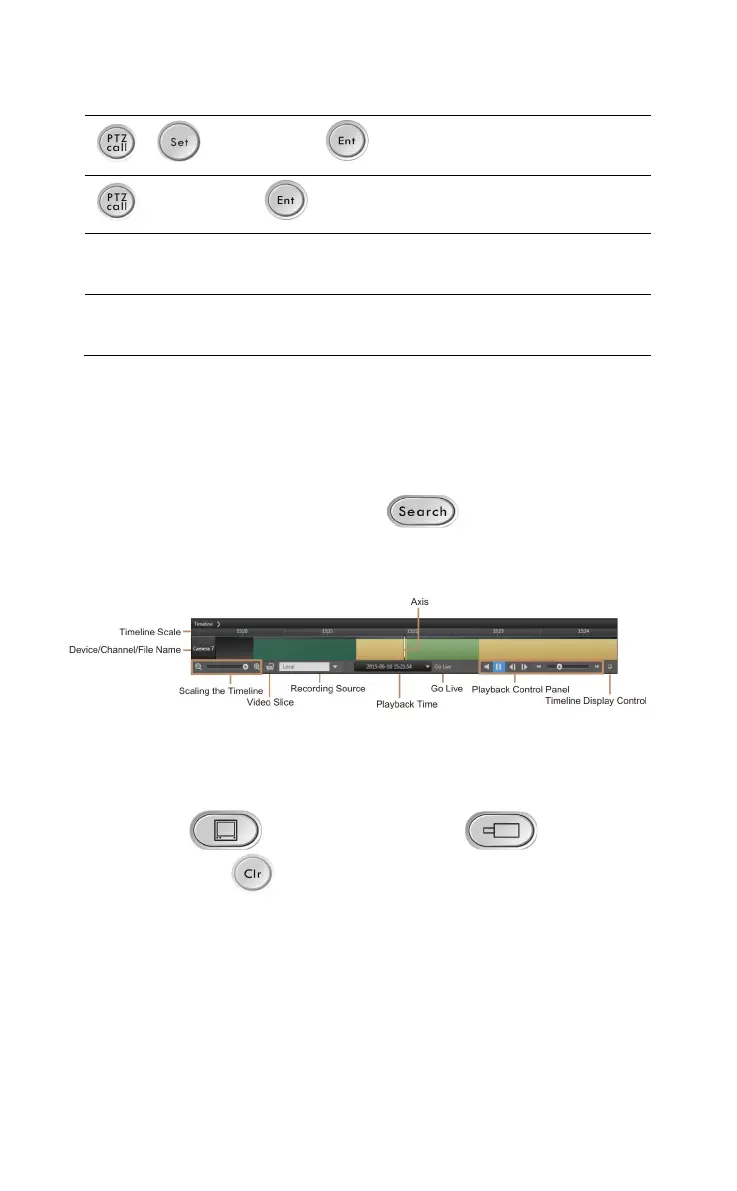
To hide or show the timeline, press
. The timeline is
shown at the bottom of the window.
Figure 7-3 Timeline
Playing the Recorded Video
Perform the following steps to play the recorded video:
1. Press “
Switch ID (Decoder) Switch ID
(Camera)
” to assign the recorded video of the
specified camera to the specified window.
2. Press the right arrow key of the touch pad and ring to start
playing the recorded video.
Setting the Time Range
• Rotate the joystick clockwise to select a larger time range.



 To Next Page