HUS-D4-E-Pro User Guide
16
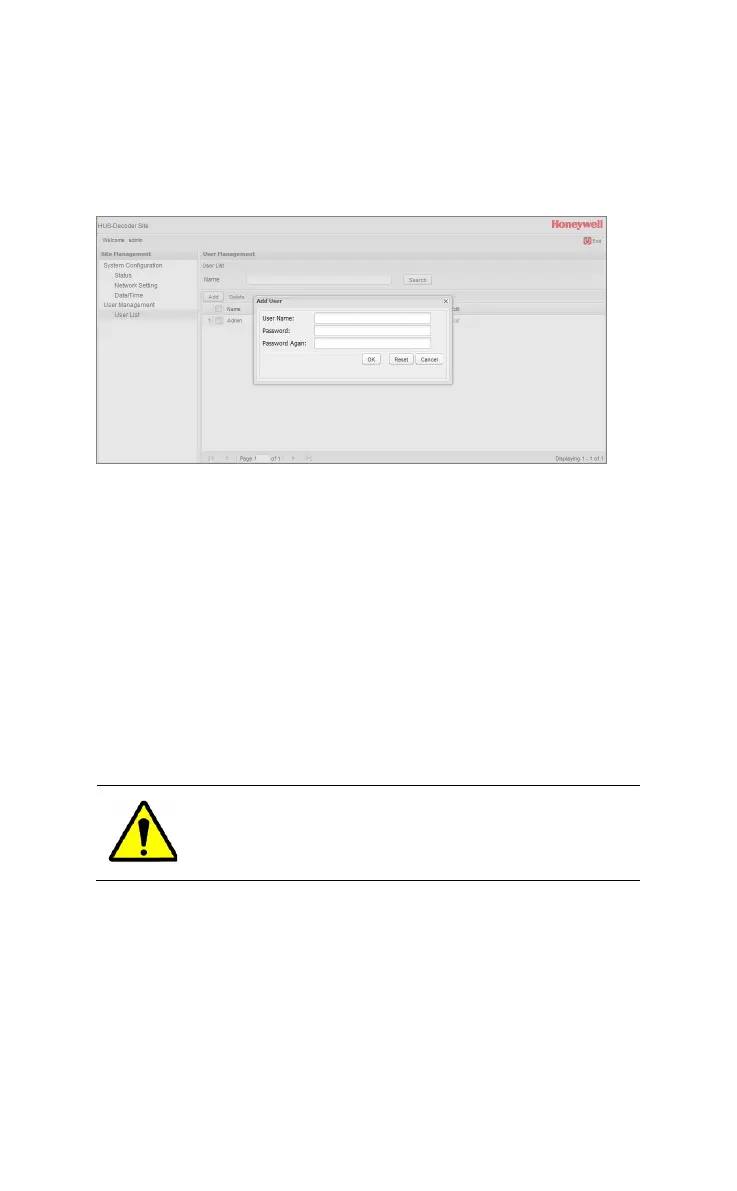
Add New User
To add new user, click Add.
Figure 4-6 Add New User
User Name: Enter the name of the new account. Only Chinese
characters, English letters and number can be input. Length of
User Name should not be longer than 14.
Password: Enter the password. Length of password should not be
longer than 14.
Password Again: Enter the password again.
Click OK to confirm; Click Reset to input again; Click Cancel to
retreat.
Delete
To delete a user, choose the account to be deleted (see Figure
4-5 ) and click Delete.
The account “admin” cannot be deleted.
Edit User
Click Edit (see Figure 4-5) and the following window is displayed.



 To Next Page