HUS Data Management Center
25
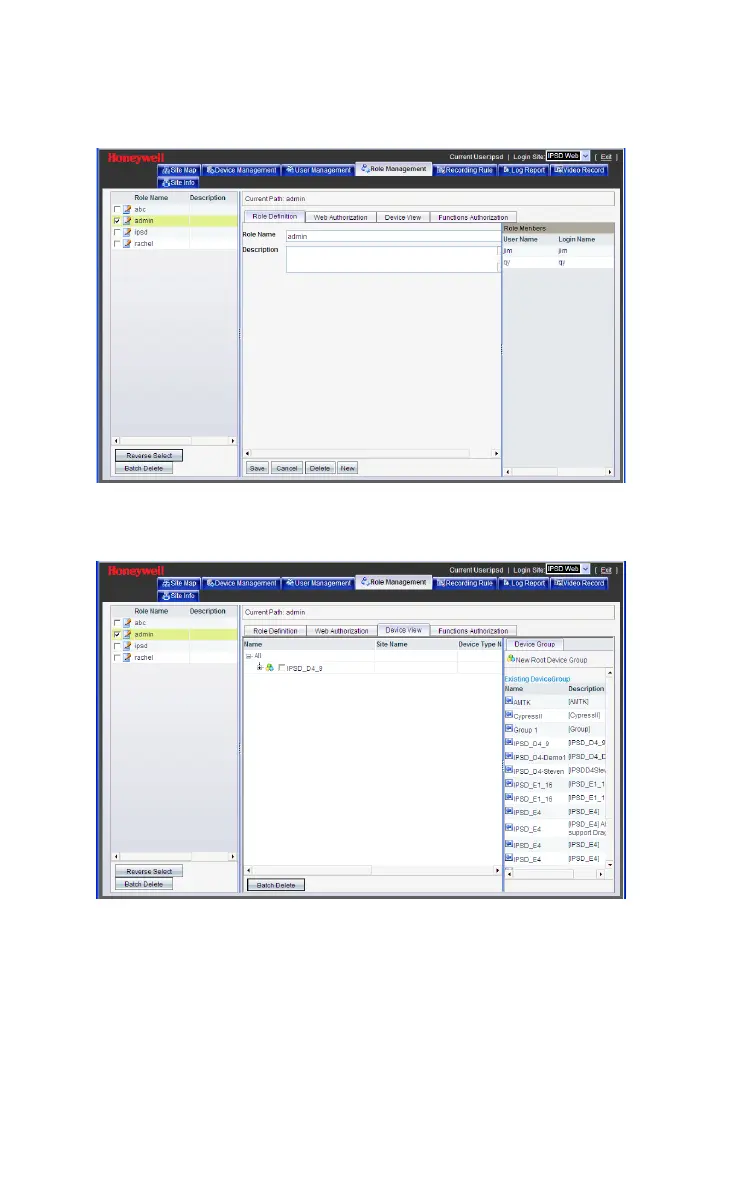
Figure 5-14 Role Name
Click Device View and the following window is displayed.
Figure 5-15 Device View
Choose a device group from the “Existing Device Group”, for
example “Group 1” (it can also create a root device group from the
“device group” pane on the left side) and the following window is
displayed (the device group name would move to the middle pane
automatically).



 To Next Page