HUS-D4-E-Pro User Guide
26
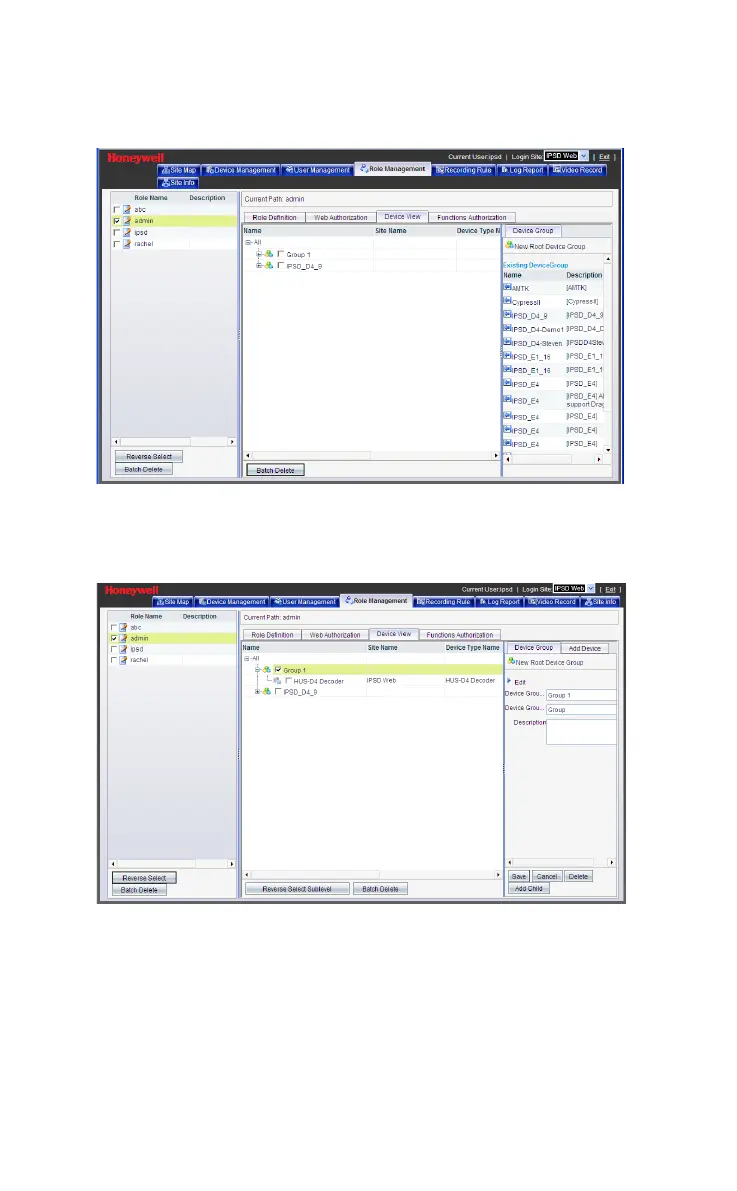
Figure 5-16 Device Group
Click the name of the device group again (see the middle pane)
and the following window is displayed.
Figure 5-17 Add the Decoder to Device Group
To add the decoder, select Add Device
Device Tree
IP Video
Front End Devices
HUS-D4 Decoder (the decoder added
previously) and then click Add to add the decoder to device view
(see the following figure).



 To Next Page