MAN0964-14-EN_XL4_XL4P_UM
N o v e m b e r 1 0 , 2 0 2 1 P a g e 46 | 194
5.18 Load Clone
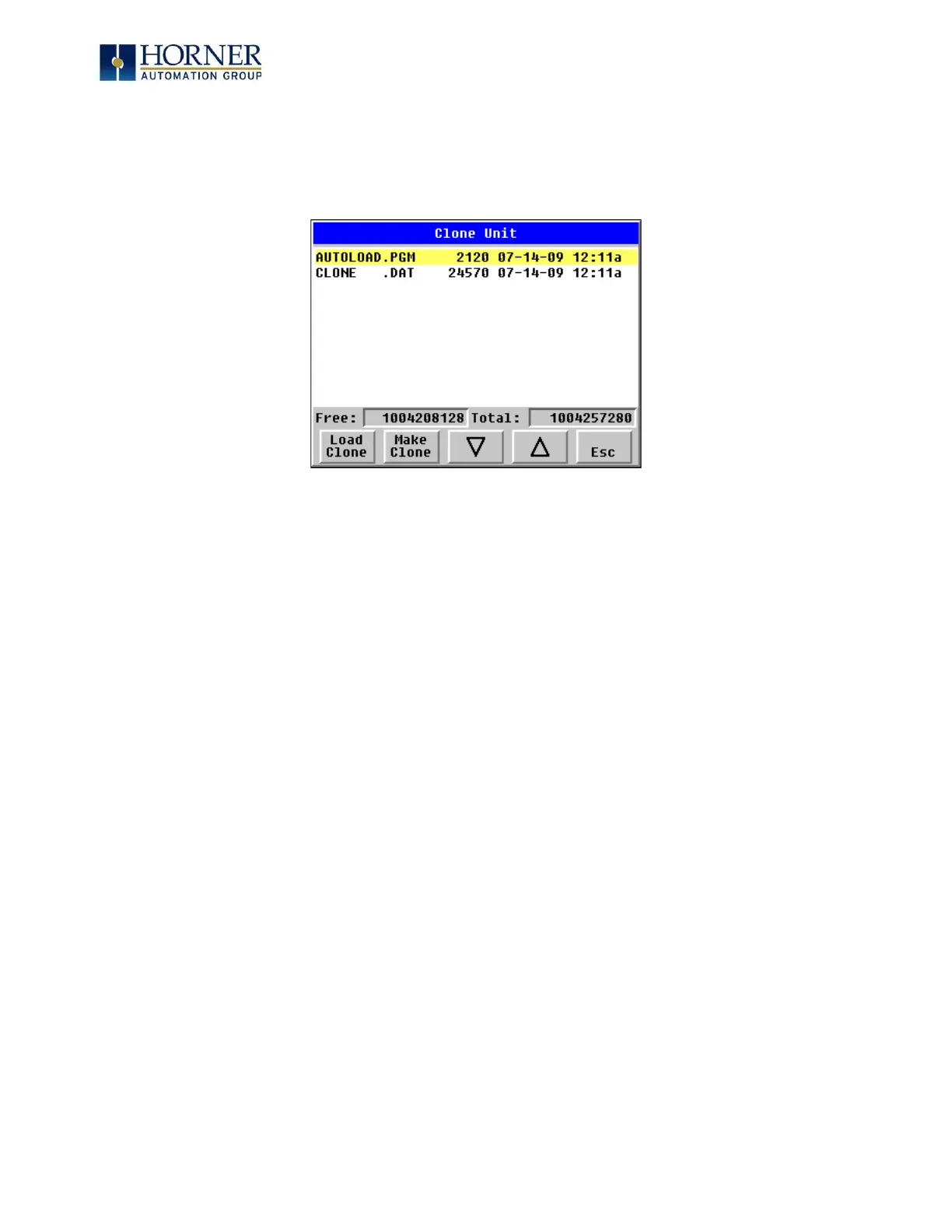
Selecting “Clone Unit” menu will open the following menu screen. Select “Load Clone” (one of
the virtual buttons beneath the screen).
NOTE: For security enabled files, Load Clone asks for password validation before loading the
application.


 To Next Page