PoPcom
The Popcorn feature is designed to be used
ody
Step 2: Open oven door and place package of
with prepackaged microwave popcorn weighing
3.0 to 3.5 ounces.
popcorn in the center of the oven floor as directed
by the package instructions. Close oven door.
Step 1:
Remove the outer wrapper from the
microwave popcorn.
a
Step 3:
Touch POPCORN pad.
POPCORN
No
need to touch START, the oven
will start immediately.
How
to
Adjust the Popcorn
Progra
to
Protide
a Shorter or Longer Cook
The
If your favorite popcorn is not completely popped,
there is a simple adjustment you can make.
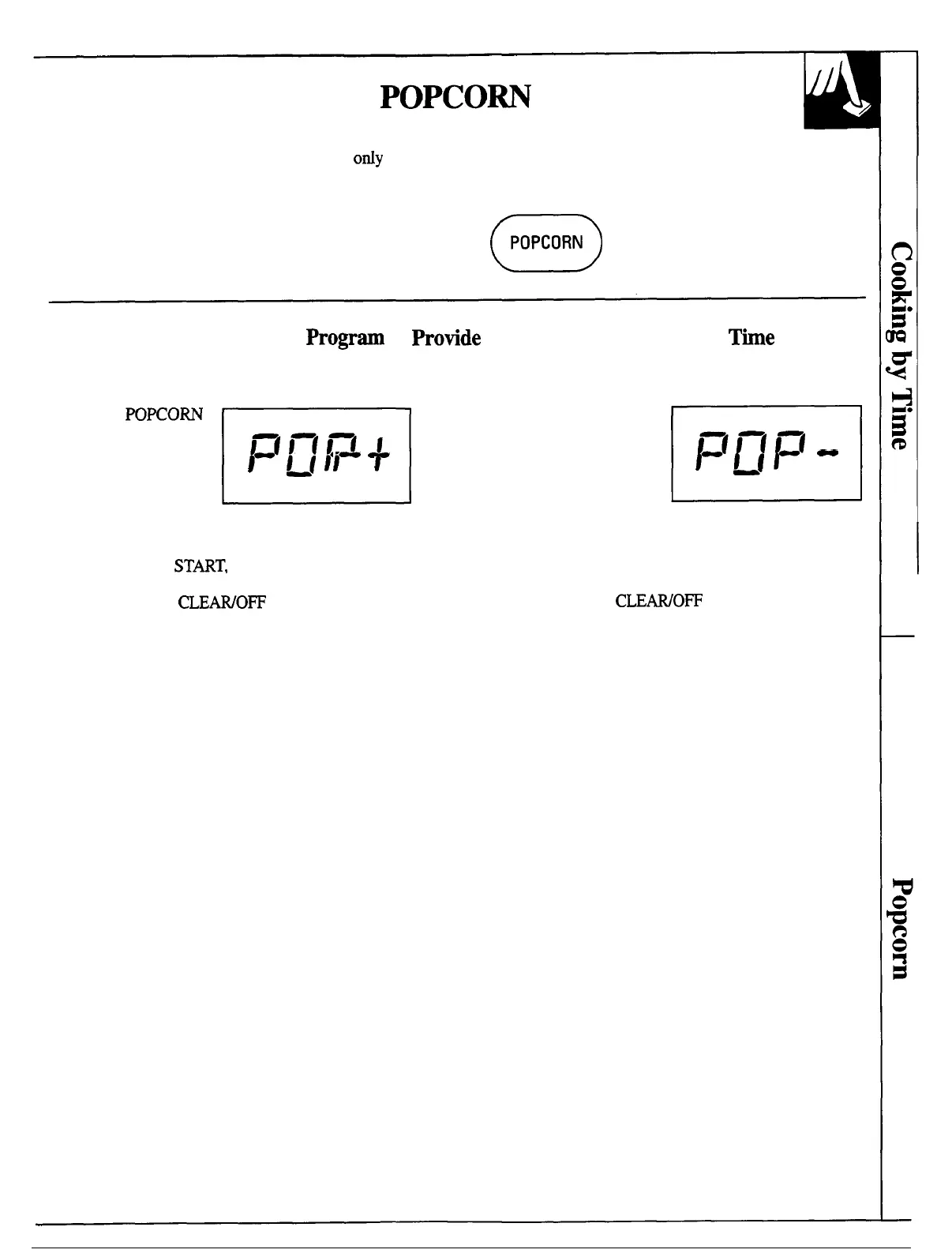
Touch the
POXORN
pad and then
immediately touch
number pad 9. A plus
sign will appear on the
display beside the word
E
1=( 1-11-(
A
1
~/
1-
I
“POP”. The plus sign indicates 20 seconds more
cooking time is being provided.
No need to touch
STMT, the oven will start
If your favorite popcorn is overcooked, there is
another adjustment you can make.
Touch the POPCORN
pad and then immediately
touch number pad 1. A
minus sign will appear on
the display beside the
word “POP”. The minus
E
1=[1-ll=t
-
I
~11
sign indicates 20 seconds less
cooking time is being provided.
No need to touch START, the oven will start
immediately. If the oven beeps before you were able to
immediately. If the oven beeps before you were able to
touch 9, touch the
CLEAWO~
pad and begin again.
touch 1, touch the
CLEWO~
pad and begin again.
13




 To Next Page